
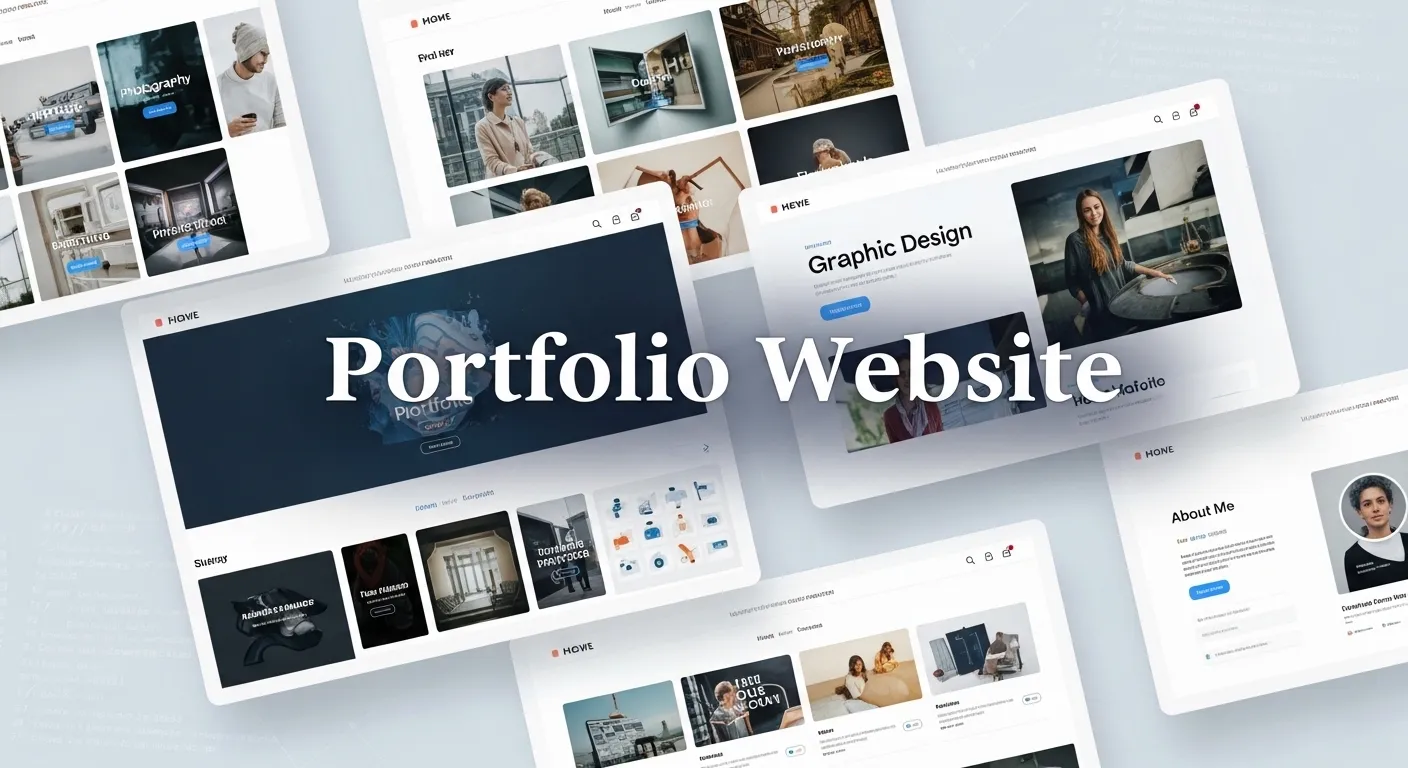
How to Build a Portfolio Website
Introduction
Imagine applying for a job, freelance project, or internship where instead of just submitting a resume, you share a powerful website that demonstrates your skills instantly.
That is the power of a portfolio website.
In today's digital-first world, recruiters, clients, and hiring managers often search your name online before even reading your resume. A strong online portfolio becomes your personal brand, proof of skills, and professional identity.
This complete portfolio website guide will teach you everything you need to create a professional portfolio from scratch --- even if you are a beginner.
In this guide, you will learn:
- Why a portfolio website is essential in 2026
- What sections every portfolio must include
- Step-by-step portfolio website creation
- Design and SEO best practices
- Tools, platforms, and hosting options
- Real-world tips used by successful professionals
Whether you are a developer, designer, marketer, student, or freelancer, this article will help you build a portfolio website that gets results.
What Is a Portfolio Website?
A portfolio website is a personal website showcasing your skills, projects, experience, and achievements.
Unlike a resume, which tells employers about your skills, a portfolio shows proof of your work.
Who Needs a Portfolio Website?
- Developers
- Designers
- Digital marketers
- Writers
- Photographers
- Students
- Freelancers
- Entrepreneurs
Anyone building a professional online presence benefits from a portfolio.
Why You Need a Portfolio Website
Builds Personal Branding
Your portfolio acts as your online identity.
It communicates: - Your expertise - Your personality - Your professional value
Increases Job Opportunities
Recruiters prefer candidates with visible work samples.
A portfolio helps you stand out among hundreds of applicants.
Demonstrates Real Skills
Projects show practical ability far better than certifications.
Works as a 24 Hour Resume
Your portfolio works even while you sleep --- attracting clients, interviews, and collaborations.
Essential Sections of a Portfolio Website
Home Section
This is your first impression.
Include: - Name - Profession - Short headline - Call to action
Example: Full Stack Developer Helping Businesses Build Scalable Web Apps.
About Me Section
Tell your story.
Include: - Background - Skills - Career journey - Goals
Make it personal and authentic.
Projects Section
The most important part of any portfolio.
Show: - Project screenshots - Live demo links - Technologies used - Problem solved - Results achieved
Quality matters more than quantity.
Skills Section
List technical and soft skills clearly.
Example categories: - Programming languages - Tools - Frameworks - Platforms
Services Section
Useful for freelancers.
Explain: - What services you offer - Who you help - Expected outcomes
Contact Section
Make contacting you easy.
Include: - Email - LinkedIn profile - GitHub - Contact form
Step-by-Step Portfolio Website Guide
Step 1 Define Your Goal
Ask yourself: - Job portfolio? - Freelance business? - Personal branding?
Your goal determines design and content.
Step 2 Choose a Domain Name
Best practice: Use your name.
Example: yourname dot com
Keep it: - Simple - Professional - Easy to remember
Step 3 Select the Right Platform
No-Code Platforms
- Wix
- Squarespace
- Webflow
Best for beginners.
CMS Platforms
- WordPress
Good balance between flexibility and ease.
Coding From Scratch
- HTML CSS JavaScript
- React
- Next.js
Best for developers.
Step 4 Plan Website Structure
Create a sitemap before designing.
Typical pages: - Home - About - Projects - Blog - Contact
Planning saves development time.
Step 5 Design the User Interface
Focus on simplicity.
Design principles: - Clean layout - White space - Readable typography - Consistent colors
Avoid clutter.
Step 6 Add High-Quality Projects
Each project should include: - Problem statement - Solution approach - Tools used - Outcome
Explain impact instead of listing features.
Step 7 Optimize for SEO
SEO helps recruiters find you.
Optimize: - Page titles - Meta descriptions - Image alt text - Fast loading speed - Mobile responsiveness
Use your main keyword naturally.
Step 8 Make Website Responsive
Ensure your portfolio works on: - Mobile devices - Tablets - Desktops
Mobile-first design improves usability.
Step 9 Deploy Your Website
Hosting platforms: - Netlify - Vercel - GitHub Pages - Shared hosting providers
After deployment, test all links and forms.
Portfolio Website Design Best Practices
Keep It Minimal
Visitors decide within seconds.
Avoid unnecessary animations or distractions.
Highlight Your Value Proposition
Clearly answer: Why should someone hire you?
Use Visual Proof
Include: - Screenshots - Case studies - Testimonials
Visual storytelling increases trust.
Add a Personal Touch
Include: - Photo - Personal story - Career vision
People connect with humans, not resumes.
Portfolio Website SEO Tips
Use Keyword Optimization
Include keywords like: - portfolio website guide - personal portfolio website - online portfolio examples
Write Blog Content
Adding blogs improves search visibility and authority.
Improve Page Speed
Optimize images and minimize scripts.
Fast websites rank higher.
Build Backlinks
Share your portfolio on: - LinkedIn - GitHub - Online communities
Common Portfolio Website Mistakes
- Adding too many projects
- Poor mobile design
- No call to action
- Broken links
- Outdated information
- Over complicated UI
Keep it simple and updated.
Tools to Build a Portfolio Website
Design Tools
- Figma
- Canva
Development Tools
- VS Code
- GitHub
Deployment Tools
- Netlify
- Vercel
Analytics Tools
- Google Analytics
These tools help create professional portfolios efficiently.
Portfolio Website Ideas by Profession
Developers
- Project showcase
- Technical blog
- GitHub integration
Designers
- Visual gallery
- Case studies
- Branding work
Digital Marketers
- Campaign results
- SEO case studies
- Analytics dashboards
Students
- Academic projects
- Certifications
- Learning journey
How to Make Your Portfolio Stand Out
- Show measurable results
- Explain your process
- Include testimonials
- Maintain clean UI
- Update regularly
A strong portfolio evolves with your career.
Future Trends in Portfolio Websites
Interactive Portfolios
Dynamic animations and storytelling experiences.
AI Powered Personal Websites
AI chat assistants explaining your work.
Personal Branding Ecosystems
Portfolio integrated with blogs, newsletters, and communities.
Short Summary
A portfolio website guide helps individuals build a professional online presence showcasing skills, projects, and achievements. A well-designed portfolio improves career opportunities, strengthens personal branding, and proves real-world expertise.
Conclusion
Your portfolio website is more than a website --- it is your digital career asset.
In competitive industries, skills alone are not enough. Visibility matters.
By following this portfolio website guide, you can: - Build credibility - Showcase expertise - Attract opportunities - Grow professionally
Start small, publish your work, and continuously improve your portfolio.
Your future opportunities may begin with a single website.
Frequently Asked Questions FAQs
What is a portfolio website? A portfolio website is a personal website used to showcase skills, projects, and professional achievements.
Do beginners need a portfolio website? Yes. Even students benefit from showing projects and learning progress online.
What should a portfolio website include? Essential sections include Home, About, Projects, Skills, and Contact information.
Which platform is best for building a portfolio? WordPress, Webflow, and React-based websites are popular choices depending on technical skill level.
How often should I update my portfolio? Update it every time you complete new projects or gain new skills.



