
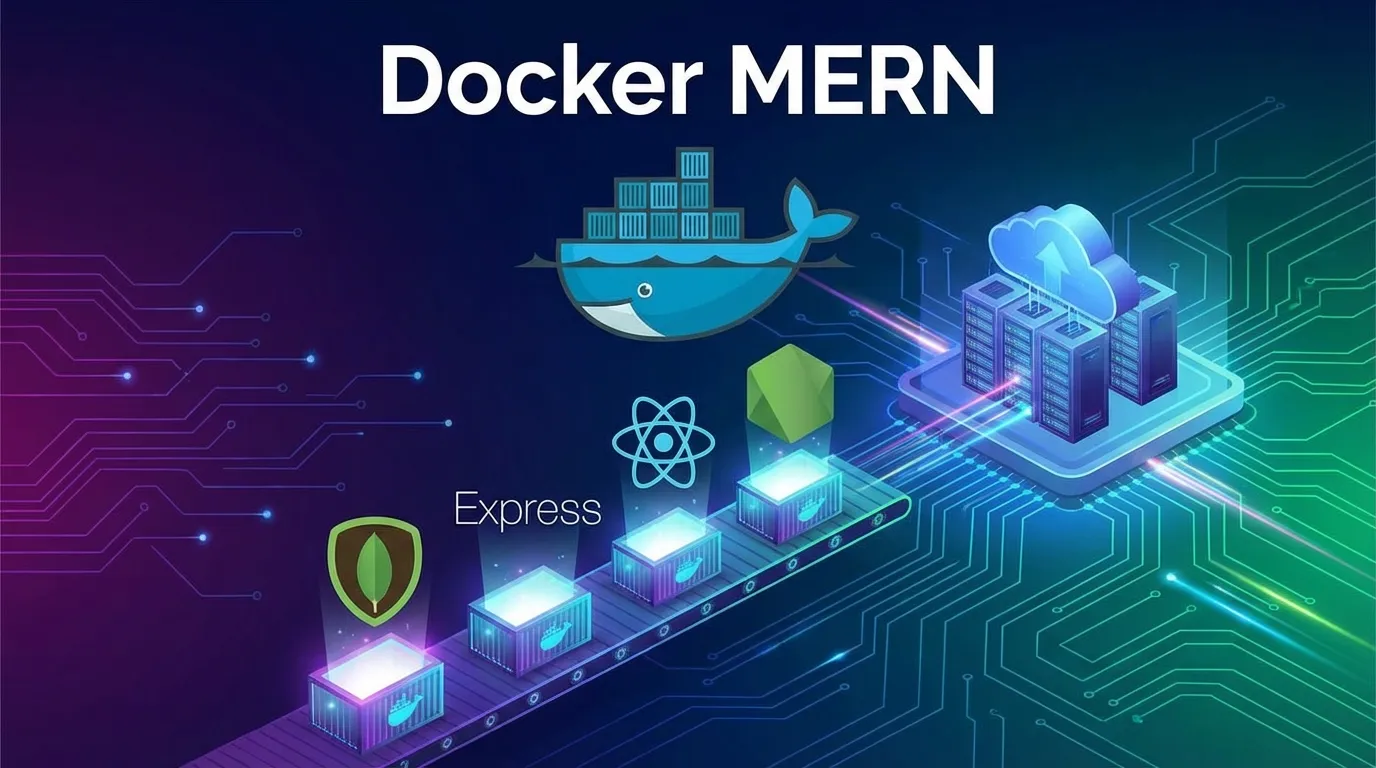
Dockerizing MERN Applications
Introduction
Have you ever built a MERN stack project that worked perfectly on your machine but completely failed when deployed to a server?
Different Node versions.
Missing dependencies.
Database connection issues.
Environment configuration problems.
This is one of the most common frustrations developers face.
Modern development solves this using Docker — a containerization platform that allows applications to run consistently anywhere.
Learning docker mern deployment is now a must-have skill for full stack developers working with modern cloud environments.
Instead of configuring servers manually, Docker packages your entire application — frontend, backend, database, and environment — into isolated containers.
In this complete guide, you will learn:
- What Docker is and why MERN apps need it
- How Docker works with React, Node.js, Express, and MongoDB
- Step-by-step MERN Docker setup
- Multi-container architecture using Docker Compose
- Production deployment strategies
- Performance and security best practices
By the end, you will be able to dockerize real-world MERN applications confidently.
What Is Docker
Docker is a containerization platform that packages applications with all required dependencies into lightweight environments called containers.
Unlike traditional virtual machines, containers share the host OS kernel while remaining isolated.
Key Docker Concepts
- Image – Blueprint of application environment
- Container – Running instance of an image
- Dockerfile – Instructions to build image
- Docker Compose – Tool for multi-container apps
- Registry – Storage for images like Docker Hub
Docker guarantees:
- identical environments
- faster deployments
- simplified scaling
Why Dockerize MERN Applications
MERN stack includes multiple technologies:
- MongoDB database
- Express backend
- React frontend
- Node.js runtime
Each layer requires configuration.
Common Problems Without Docker
- version conflicts
- dependency mismatch
- deployment errors
- inconsistent environments
Docker solves these by standardizing runtime environments.
MERN Architecture Before Docker
Traditional setup:
- React running locally
- Node API running separately
- MongoDB installed manually
- Environment variables configured manually
This approach breaks easily across machines.
MERN Architecture With Docker
Docker introduces container separation:
- React container
- Node API container
- MongoDB container
All services communicate using internal Docker networks.
Benefits include:
- portability
- scalability
- easy onboarding
Installing Docker
Step 1 Install Docker Desktop
Download from official Docker website.
Verify installation:
docker --version
Step 2 Enable Docker Engine
Start Docker service and confirm:
docker run hello-world
If successful, Docker is ready.
Docker Basics Every MERN Developer Should Know
Images
Immutable templates used to create containers.
Containers
Running environments based on images.
Volumes
Persistent data storage.
Networks
Allow communication between containers.
Project Structure for Docker MERN Setup
Example structure:
client
server
docker-compose.yml
Separating frontend and backend improves scalability.
Creating Backend Dockerfile
Inside server folder create Dockerfile.
Example:
FROM node:18
WORKDIR app
COPY package*.json ./
RUN npm install
COPY . .
EXPOSE 5000
CMD ["npm","start"]
What Happens Here?
- Node image selected
- Dependencies installed
- App copied
- Server exposed
Creating React Dockerfile
Inside client folder:
FROM node:18
WORKDIR app
COPY package*.json ./
RUN npm install
COPY . .
RUN npm run build
EXPOSE 3000
CMD ["npm","start"]
React build runs inside container.
Adding MongoDB Container
Instead of installing MongoDB locally, Docker runs it as a service.
Example image:
mongo:latest
Data persistence achieved through volumes.
Using Docker Compose for MERN Apps
Docker Compose manages multiple containers together.
Create docker-compose.yml:
version: "3"
services:
mongo: image: mongo ports:
- "27017:27017"
backend: build: server ports:
- "5000:5000" depends_on:
- mongo
frontend: build: client ports:
- "3000:3000"
Now entire MERN app runs using one command.
Running MERN Application with Docker
Start containers:
docker compose up
Docker automatically:
- builds images
- creates containers
- connects services
- launches application
Environment Variables in Docker
Never hardcode secrets.
Use .env file:
MONGO_URI
JWT_SECRET
PORT
Docker Compose supports environment injection securely.
Connecting Backend to MongoDB Container
Use service name instead of localhost.
Example connection string:
mongodb://mongo:27017/app
Docker networking resolves container names automatically.
Docker Volumes for Database Persistence
Without volumes, data disappears when container stops.
Example:
volumes: mongodb_data:
Volumes maintain database data permanently.
Optimizing Docker Images
Use Lightweight Base Images
Example:
node:18-alpine
Ignore Unnecessary Files
Create .dockerignore:
node_modules
.git
.env
Smaller images build faster.
Development vs Production Docker Setup
Development Mode
- hot reload enabled
- source mounted as volume
Production Mode
- optimized build
- static React assets
- minimal image size
Separate configurations recommended.
Multi Stage Docker Builds
Improves performance.
Example:
- Build React app
- Copy build to lightweight server image
Reduces production image size drastically.
Networking Between MERN Containers
Docker creates internal network automatically.
Services communicate using:
frontend → backend → mongo
No public exposure required internally.
Deploying Dockerized MERN Apps
Popular hosting platforms:
- AWS EC2
- DigitalOcean
- Render
- Railway
- Kubernetes clusters
Deployment becomes identical everywhere.
CI/CD with Docker MERN Applications
CI pipeline steps:
- Build Docker image
- Run automated tests
- Push image to registry
- Deploy container automatically
Docker integrates perfectly with DevOps workflows.
Security Best Practices
- avoid root user containers
- scan images for vulnerabilities
- protect environment variables
- use private registries
Security is critical in containerized environments.
Scaling MERN Applications Using Docker
Scaling becomes simple:
docker compose up --scale backend=3
Multiple backend instances handle traffic efficiently.
Common Docker MERN Mistakes
- using localhost instead of service name
- ignoring volumes
- committing secrets
- large image sizes
- skipping health checks
Avoid these issues for smooth deployments.
Real World Benefits of Docker MERN Workflow
Teams experience:
- faster onboarding
- predictable deployments
- environment consistency
- simplified collaboration
Docker standardizes development.
Future of Containerized Full Stack Development
Modern trends include:
- Kubernetes orchestration
- serverless containers
- microservices architecture
- GitOps deployments
Containerization is becoming industry standard.
Short Summary
This docker mern guide explained Docker fundamentals container architecture Dockerfiles Compose setup networking deployment strategies scaling techniques and security practices required to dockerize full stack MERN applications.
Conclusion
Docker eliminates the classic works on my machine problem.
By containerizing MERN applications developers achieve portability scalability and deployment confidence.
Whether you are building startups SaaS products or enterprise systems Docker transforms how full stack apps are developed and deployed.
Master Docker today and your MERN applications become production ready anywhere.
Frequently Asked Questions
Docker packages React Node Express and MongoDB into isolated containers.



