Introduction
Want more people to sign up, buy, or take action on your website—without increasing traffic? That’s exactly what conversion rate optimization (CRO) can help you achieve.
Most beginners focus only on traffic, thinking more visitors equal more sales. But here’s the real truth:
You don’t need more traffic—you need better conversions from the traffic you already have.
In this beginner-friendly guide, you’ll learn:
- What CRO means and why it matters
- Step-by-step techniques used by CRO experts
- Practical examples and actionable tips
- How to increase conversions for websites, landing pages, and online stores
- Common mistakes to avoid
By the end, you’ll be able to confidently implement CRO strategies on your own website and see measurable improvements.
What Is Conversion Rate Optimization?
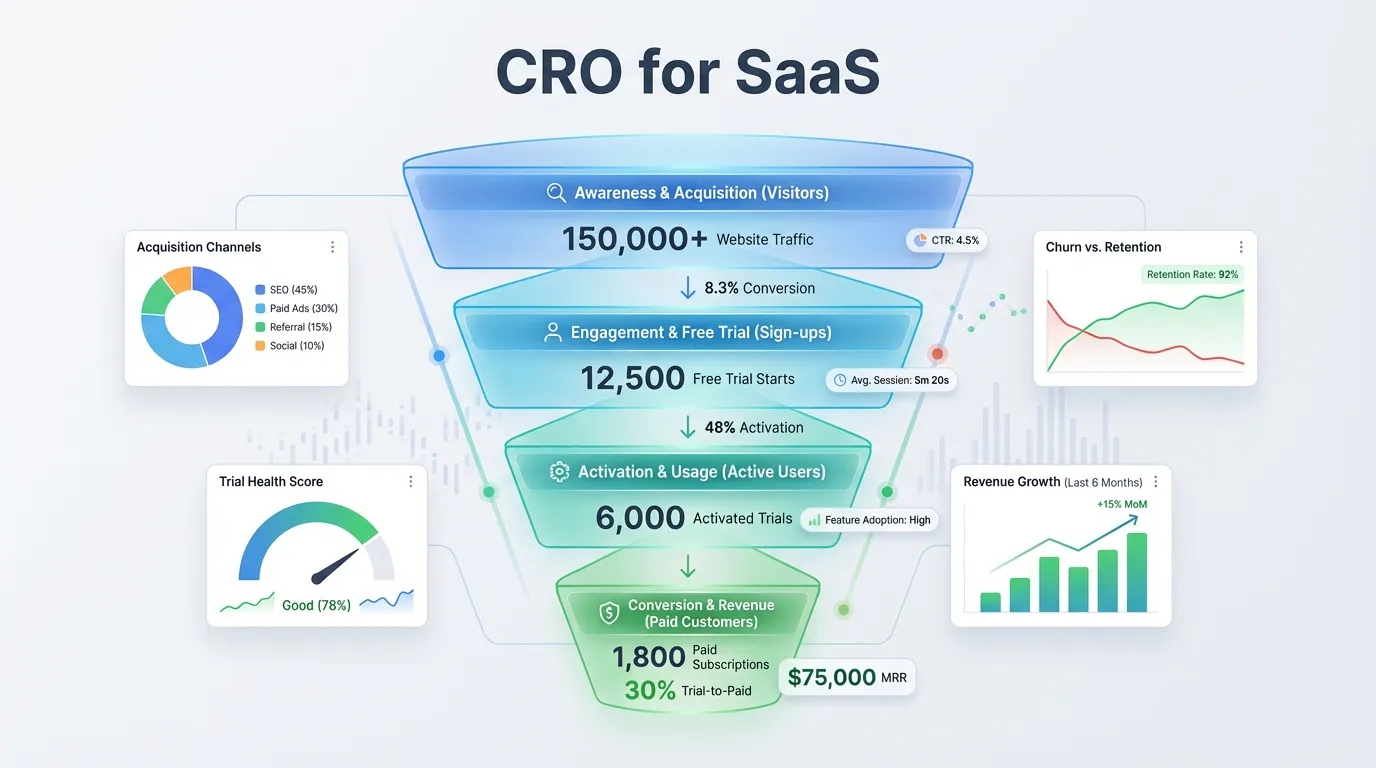
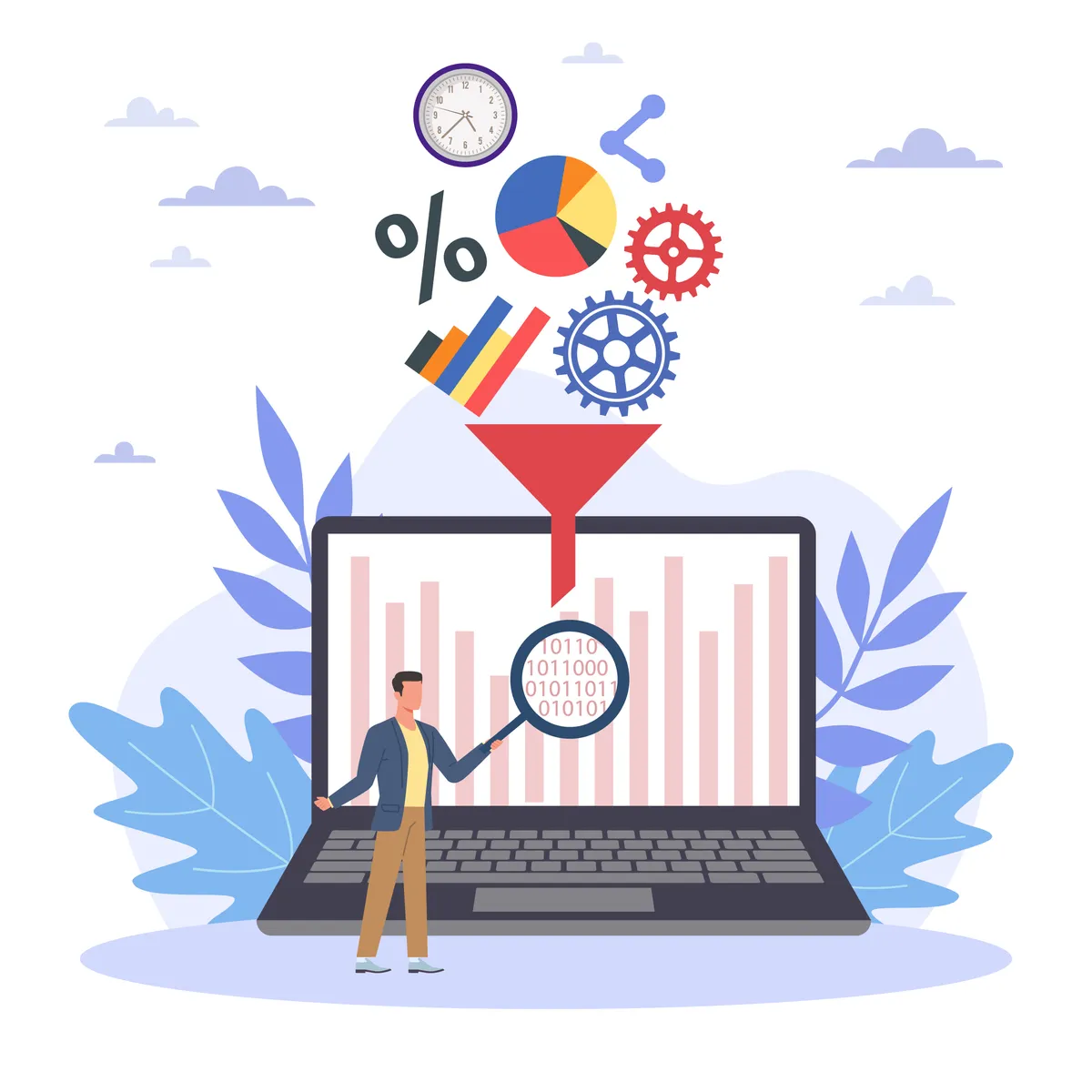
Conversion Rate Optimization (CRO) is the process of improving your website so that more visitors complete your desired action.
A “conversion” could be:
- Buying a product
- Filling out a form
- Subscribing to a newsletter
- Booking a call
- Downloading a resource
If 1,000 people visit your page and 50 make a purchase, your conversion rate is 5%.
Why CRO Matters
CRO is essential because:
- You increase revenue from the same traffic
- You reduce marketing and advertising costs
- You understand user behavior better
- You create a better user experience
- Your cost per acquisition gets lower
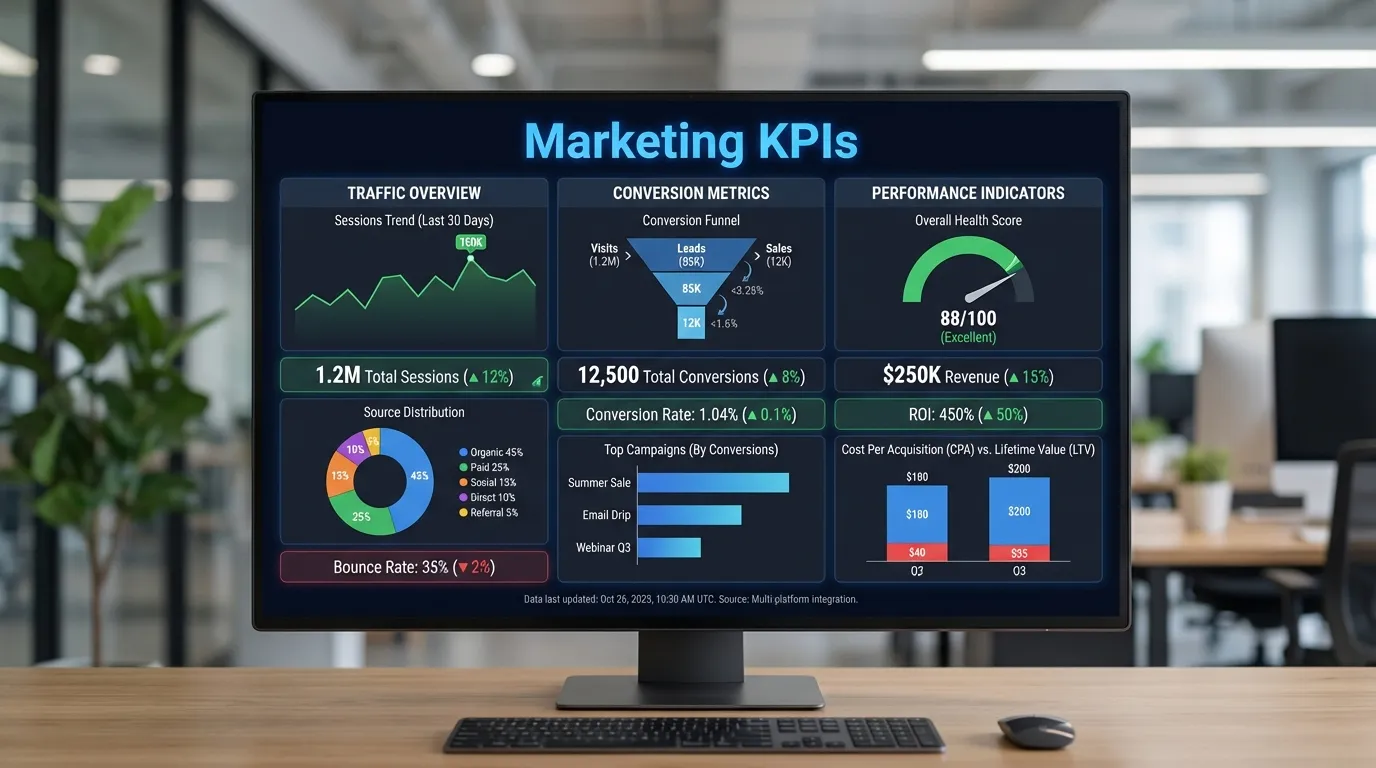
CRO is one of the highest ROI activities in digital marketing.
How to Calculate Conversion Rate
Simple Formula
Conversion Rate = (Total Conversions ÷ Total Visitors) × 100
Example:
If 2,000 people visit your page and 80 sign up:
(80 ÷ 2000) × 100 = 4% conversion rate
This becomes your baseline to measure future improvements.
Essential Conversion Rate Optimization Tips for Beginners
Below are the most effective CRO methods that beginners can apply instantly.
1. Improve Your Website Speed
A fast website creates a better user experience and leads to more conversions.
Why Speed Matters
- Users leave slow websites
- Google prefers fast-loading pages
- Each second of delay can reduce conversions
How to Improve Loading Speed
- Compress images
- Minify CSS, HTML, and JavaScript
- Remove unwanted plugins
- Use browser caching
- Switch to a reliable hosting provider
Even a one-second improvement can increase conversions dramatically.
2. Create Clear and Compelling CTAs
Your Call-to-Action (CTA) is what directs users toward conversion.
What Makes a Good CTA
- Clear message like “Get Started Free”
- Contrasting color to draw attention
- Visible placement on the page
- Action-oriented verbs
CTA Tips for Beginners
- Add urgency when relevant
- Keep CTAs consistent across your page
- Test different texts, colors, and placements
A strong CTA can instantly boost sign-ups and sales.
3. Simplify Your Website Layout
Clutter confuses visitors. A clean design improves usability and conversions.
How to Simplify Effectively
- Remove unnecessary elements
- Keep navigation simple
- Use whitespace to improve readability
- Reduce distractions
- Highlight only the most important elements
A clean website helps users focus—and convert.
4. Add Social Proof to Build Trust
Visitors want to know that others trust your brand.
Types of Social Proof
- Customer reviews
- Testimonials
- Case studies
- Media mentions
- Trust badges (SSL, secure checkout)
Why Social Proof Works
It gives people confidence that your product or service works, reducing doubts.
5. Optimize for Mobile Devices
Most visitors use mobile. If your site isn’t mobile-friendly, you’re losing conversions.
Mobile Optimization Checklist
- Use responsive templates
- Avoid small buttons
- Use readable font sizes
- Keep mobile forms short
- Optimize images for mobile
A mobile-optimized website almost always improves conversions.
6. Use A/B Testing to Make Better Decisions
A/B testing compares two versions of a page to see which performs better.
What You Should A/B Test
- Headlines
- CTA text or color
- Images
- Product descriptions
- Form lengths
- Page layouts
Even small tests can produce major conversion improvements.
7. Write Clear and Benefit-Driven Headlines
Your headline is often the first thing a visitor reads.
How to Create Effective Headlines
- Focus on value
- Address pain points
- Keep it simple
- Highlight benefits
Example:
“Boost Your Website Sales in 7 Days With This Simple Strategy”
A strong headline improves engagement and conversions.
8. Use High-Quality, Relevant Images
Images influence trust, emotions, and purchase decisions.
Tips for Using Images
- Use real product photos
- Ensure images are clear and relevant
- Avoid generic stock photos
- Compress images to improve speed
Good visuals keep users engaged and guide them toward action.
9. Shorten Your Forms
Long forms overwhelm users and reduce conversions.
How to Optimize Forms
- Ask only essential questions
- Break long forms into steps
- Use autofill options
- Display trust messages like “We respect your privacy”
Shorter forms = higher conversions.
10. Create a Strong Value Proposition
Your value proposition tells visitors why they should choose you.
What Makes a Strong Value Proposition
- Clear benefits
- Unique features
- Emotional + logical appeal
- Short, concise messaging
Example:
“Manage all your projects in one dashboard — save 10 hours weekly.”
A clear value proposition builds trust and increases conversions.
11. Use Live Chat or Chatbots
Visitors often leave when they can't find answers quickly.
Benefits of Live Chat
- Instant support
- Reduced bounce rates
- Increased trust
- Personalized user experience
This small feature can give a big conversion boost.
12. Use Urgency and Scarcity (Ethically)
People tend to act quickly when they feel urgency.
Examples
- “Limited-time offer”
- “Only 3 items left”
- “Sale ends tonight”
When used honestly, urgency encourages users to take action sooner.
13. Add Exit-Intent Popups
Exit popups appear when a user is about to leave your site.
What You Can Offer
- Discounts
- Free downloads
- Newsletter sign-ups
- Special bonuses
These popups can recover 10–15% of lost visitors.
Short Summary
Conversion Rate Optimization helps you turn visitors into customers without needing extra traffic. Beginners can improve conversions by optimizing page speed, simplifying layouts, improving CTAs, adding social proof, using mobile-friendly design, running A/B tests, and creating strong value propositions. Small improvements can produce big results.
Conclusion
CRO is not complicated—it’s strategic and systematic. Instead of chasing more traffic, CRO helps you maximize what you already have.
By applying these beginner-friendly tips consistently, you can:
- Improve conversions
- Increase sales and leads
- Build trust
- Improve user experience
- Grow your business sustainably
Start small, test everything, analyze results, and keep optimizing. CRO is a continuous journey toward better performance.