
Introduction
Modern web applications are becoming increasingly complex and visually dynamic. With responsive layouts, animations, component libraries, and cross-browser rendering differences, ensuring that an application looks correct is just as important as ensuring it functions correctly.
Traditional automated tests verify functionality such as button clicks, form submissions, and API responses. However, they often fail to detect visual issues like misaligned elements, missing icons, layout shifts, broken styles, or unexpected UI changes.
This is where playwright visual testing becomes extremely valuable.
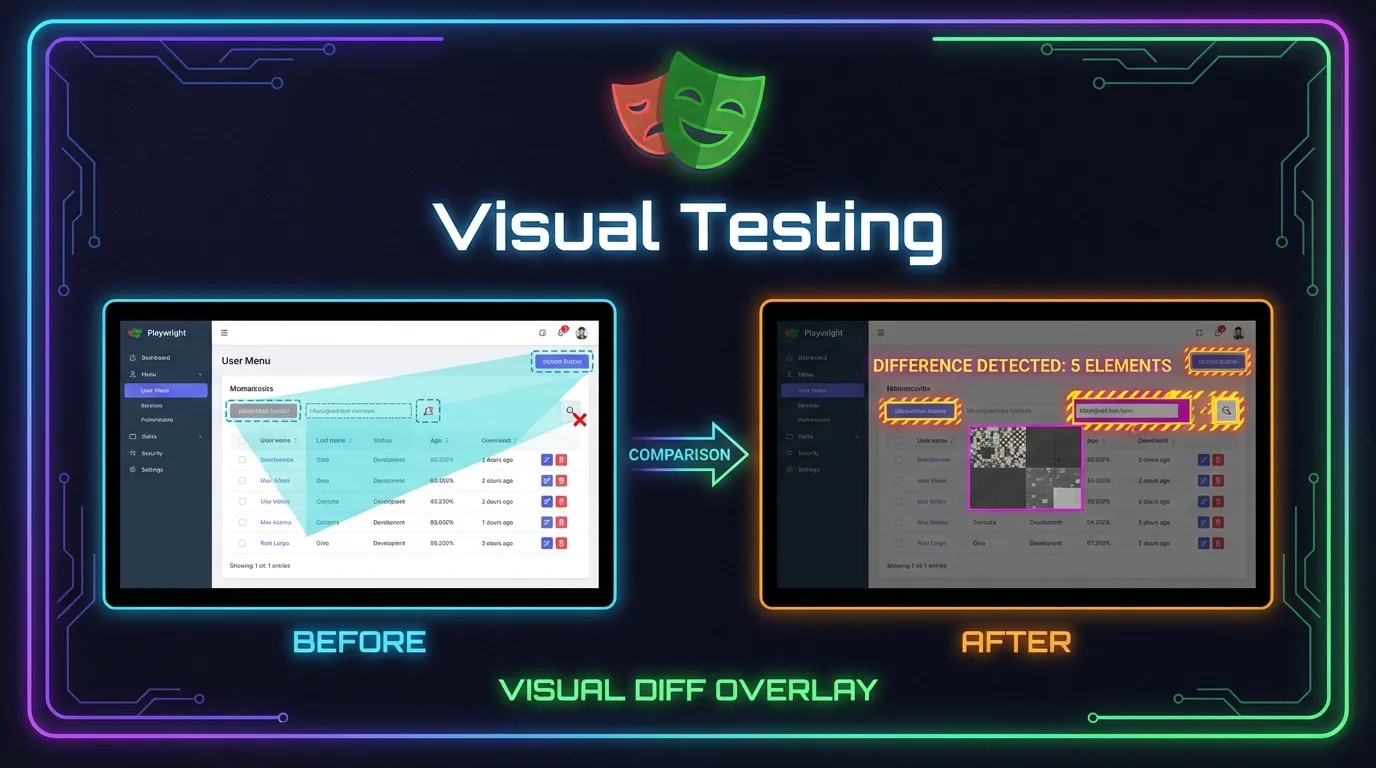
Visual testing allows testers to automatically compare screenshots of the application UI and detect visual differences between expected and actual layouts. Instead of relying only on functional assertions, visual tests verify whether the application appears exactly as intended.
Playwright provides powerful built-in capabilities for visual regression testing, allowing teams to capture screenshots, compare snapshots, and detect visual changes across versions of an application.
In this complete guide on Visual Testing with Playwright, you will learn:
- What visual testing is and why it matters
- How playwright visual testing works
- How to capture screenshots in Playwright
- How to compare visual snapshots
- Best practices for reliable visual regression testing
Whether you are a student learning test automation, a QA engineer improving test coverage, or a developer ensuring UI consistency, this guide will help you master visual testing using Playwright.
Visual bugs are common in modern web applications.
Even small CSS changes can break layouts.
Detect Layout Issues
Visual testing detects problems such as:
- Misaligned elements
- Overlapping content
- Missing images
- Broken UI components
Prevent UI Regressions
When developers update styles or components, visual tests ensure existing layouts remain unchanged.
Improve User Experience
UI consistency is critical for delivering a professional user experience.
Visual tests help maintain design quality.
Playwright allows capturing screenshots of the entire page.
Example:
await page.screenshot({ path: 'homepage.png' })
This saves a screenshot of the page.
Screenshots can be used for debugging and documentation.
Playwright can capture screenshots of individual elements.
Example:
const logo = page.locator('#logo')

await expect(logo).toHaveScreenshot()
This verifies that the logo appears correctly.
Element-level visual testing helps detect UI issues precisely.
Example automation test.
import { test, expect } from '@playwright/test'

test('visual regression test', async ({ page }) => {

await page.goto('https://example.com')

await expect(page).toHaveScreenshot('homepage.png')

})
Steps performed:
1 Load page
2 Capture screenshot
3 Compare against baseline
If differences are detected, Playwright highlights them.
Visual Testing Across Devices
Playwright also supports responsive testing.
Visual tests can run on different devices.
Example scenarios:
- Mobile layout
- Tablet layout
- Desktop layout
This ensures the application looks correct on all screen sizes.
Best Practices for Playwright Visual Testing
Following best practices improves reliability.
Maintain Stable Test Environments
Consistent browser settings prevent false visual differences.
Avoid Dynamic Content
Mask elements that change frequently.
Use Element-Level Screenshots
Testing smaller UI components reduces flakiness.
Review Visual Changes Carefully
Some visual changes may be intentional.
Always review differences before updating baselines.
Short Summary
Playwright visual testing allows testers to automatically detect UI changes by comparing screenshots. Using snapshot comparisons, Playwright ensures the application layout, styling, and design remain consistent across versions.
FAQs
What is Playwright visual testing
Playwright visual testing compares screenshots of the application UI to detect visual changes.
How does Playwright detect visual differences
Playwright compares captured screenshots against baseline images.
Can Playwright test UI components visually
Yes Playwright supports element-level screenshot comparisons.
Does Playwright support cross-browser visual testing
Yes Playwright runs visual tests on Chromium, Firefox, and WebKit.
Why is visual testing important
Visual testing helps detect layout issues, styling bugs, and UI regressions.



