
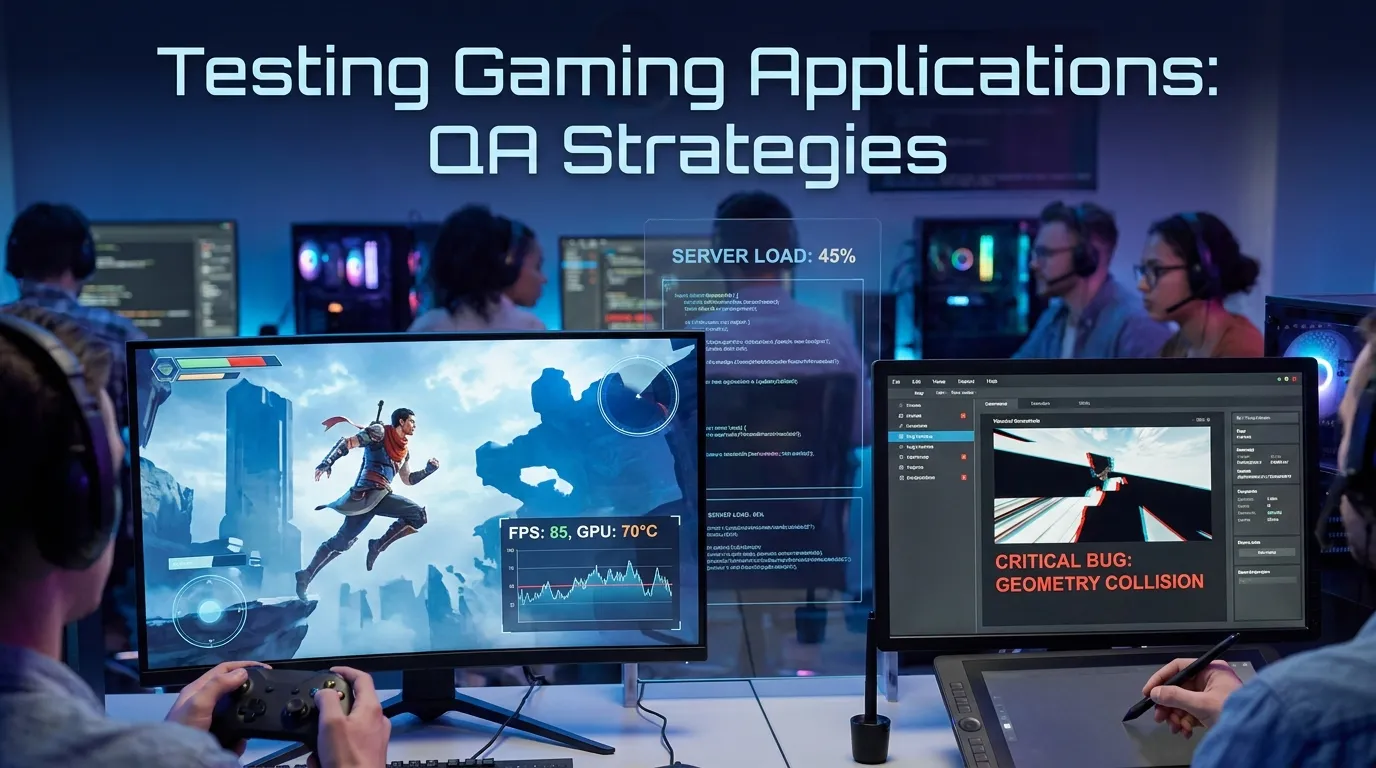
Testing Gaming Applications: QA Strategies
In the modern software landscape, few industries demand the same level of technical rigor, performance optimization, and user-centric validation as the gaming industry. Unlike traditional enterprise applications, where a one-second delay might be a minor inconvenience, in gaming, a ten-millisecond spike in frame time can render a title "unplayable" and lead to catastrophic reviews and commercial failure. As games evolve into massive, open-world experiences driven by real-time physics and complex multiplayer ecosystems, the "old school" approach of purely manual playtesting is no longer sufficient. Achieving commercial success in 2026 requires a sophisticated game testing QA strategy that integrates automation, performance profiling, and compliance validation directly into the development lifecycle.
This comprehensive guide explores the unique challenges of gaming QA and outlines the advanced strategies required to deliver high-quality gaming experiences across PC, console, and mobile platforms.
The Unique Complexity of Game QA
Traditional application testing focuses on business logic: Does this input produce the correct output? Game QA, however, must validate the intersection of logic, physics, aesthetics, and real-time synchronization.
1. Non-Deterministic Environments
In a banking app, if you enter X and click Y, you always expect Z. In a game, player movement, AI behavior, and physics-based collisions are often non-deterministic. A grenade exploding in a 3D environment might result in slightly different debris patterns every time. Testing these systems requires "fuzzy assertions" and probabilistic analysis rather than simple binary checks.
2. High-Performance Targets
Gaming is the ultimate stress test for hardware. While a web app might consume 200MB of RAM, a modern AAA title might demand 12GB of VRAM and 100% of a multi-core CPU. Game testing QA must focus heavily on resource lifecycle management, ensuring that assets are loaded and unloaded efficiently to prevent memory leaks during extended play sessions.
3. Hardware Fragmentation
While web developers worry about browser versions, game developers must contend with an astronomical range of GPU architectures, driver versions, screen resolutions, and input devices (controllers, wheels, flight sticks, and VR headsets). Validating that a shaders program compiles and renders correctly on both an NVIDIA RTX series and an older AMD Radeon card is a massive undertaking.
Core Pillars of Modern Game QA Strategy
To manage this complexity, enterprise gaming studios utilize a multi-layered testing framework.
1. Functional Automation with Engine-Native Tools
Modern game engines like Unity and Unreal Engine provide built-in frameworks for automation.
- Unity Test Framework: This allows developers to write NUnit-style tests that run in "Edit Mode" (to check asset configuration) or "Play Mode" (to check runtime logic).
- Unreal Automation Tool (UAT): A powerful command-line utility for automating the building, cooking, and testing of Unreal projects.
- Strategy: Implement "Bot Testing." Instead of a human running through a level 1,000 times, developers create "Navigation Bots" that use paths found via NavMesh to traverse the game world, checking for "fall-through-floor" bugs and invisible collision walls automatically.
2. Performance Profiling and Optimization
Performance is a feature. A game that runs at 32 FPS feels significantly worse than one at 60 FPS.
- Frame Time Analysis: QA teams don't just look at average FPS; they look at the "1% Lows." Stuttering is caused by spikes in frame time (frame time variability).
- Heatmaps: Advanced QA setups record data from bot runs to create visual heatmaps. If the frame rate consistently drops in a specific room in a dungeon, the art team knows there are too many draw calls or high-poly assets in that specific coordinate.
- Profiling Tools: Use tools like PIX (for Xbox/Windows), RenderDoc, and GameBench to identify bottlenecks in the GPU pipeline, CPU thread contention, or excessive disk I/O.
3. Network and Multiplayer Testing
In competitive gaming, "Lag kills."
- Simulated Latency: QA engineers use tools (like Clumsy or WAN emulators) to inject artificial packet loss, jitter, and high latency (300ms+) into the network stream.
- Desync Validation: One of the most difficult bugs to find is "Desynchronization," where the server and the client disagree on a player's position. Automated tests must verify "Client-Side Prediction" and "Server Reconciliation" logic under stressful network conditions.
4. Compatibility and Compliance (TRC/XR)
Console manufacturers like Sony, Microsoft, and Nintendo have strict "Compliance" requirements (Technical Requirement Checklists or XRs).
- Requirements: These cover things like how the game handles a controller being unplugged, what happens when a user signs out of their profile mid-game, or how the "System Menu" interacts with the game state.
- Criticality: Failing a compliance check can delay a game's release by weeks. Game QA must perform "Certification Pre-Checks" to ensure the build is ready for the platform holder's review.
Integrating AI into Game QA
2026 marks the era where Generative AI and Reinforcement Learning (RL) are transforming game testing QA.
RL-Based Playtesting
Instead of scripted bots, QA teams now utilize Reinforcement Learning agents. These agents are "trained" to play the game with a specific goal—sometimes to win, but more often to "break" the game. A "Glitch-Hunting Bot" can play for 24 hours straight, attempting every possible combination of jumps and ability usages to find "out-of-bounds" exploits that a human tester might never discover.
Visual Regression with Computer Vision
In massive open worlds, visual artifacts (flickering textures, "Z-fighting," or missing LODs) are common. Using AI-driven visual testing tools, QA can automatically flag frames where the rendering buffer deviates significantly from the expected visual signature, identifying graphical regressions in patches before they reach the player.
Summary
- Engine-Native Automation: Utilize Unity and Unreal frameworks to replace manual repetition.
- Performance is Paramount: Focus on frame-time consistency and resource leaks via profiling.
- Network Resilience: Stress-test multiplayer code using artificial latency and jitter.
- Compliance Readiness: Prioritize Platform-specific requirements (TRC/XR) to avoid launch delays.
- AI Augmentation: Use Reinforcement Learning bots to find edge-case exploits and out-of-bounds bugs.
Conclusion
Gaming applications are the pinacle of interactive software complexity. In an era where a single visual glitch or a minor balance exploit can go viral on social media and damage a studio's reputation, game testing QA is the most critical line of defense. By moving beyond manual playtesting and embracing engine-native automation, deep performance profiling, and AI-driven exploratory agents, studios can ensure that their technical execution matches their creative vision, delivering flawless experiences to players regardless of their hardware or location.
FAQs
1. Is "Playtesting" different from "QA Testing"? Yes. Playtesting focuses on "fun" and "balance." QA testing focuses on "stability," "performance," and "bugs."
2. Can you automate game testing? Yes, using engine-native scripts and bots. However, certain aspects of "Game Feel" will always require human eyes.
3. What is "Smoke Testing" in gaming? It's a quick test to see if the game can boot up, reach the main menu, and load into a level without crashing.
4. How do testers handle "Open World" games? By using "Teleport Scripts" and "Collision Bots" that can verify thousands of coordinates in the world much faster than a human could walk.
5. What is "Z-fighting"? A visual bug where two textures at the same depth flicker as the engine tries to decide which one to render on top.
6. Why is "Memory Leak" testing important for consoles? Consoles have a fixed amount of RAM. A leak that takes 4 hours to crash the system will ruin a player's long session.
7. What is "LOD" testing? Testing "Level of Detail." Making sure the game correctly swaps high-poly models for low-poly ones as the player moves away.
8. How do you test localizations in games? Automated scripts take "Screen Captures" of all UI elements in different languages to check for text overlaps or font rendering issues.
9. What is the most common bug in multiplayer games? "Rubber-banding," where the player's character snaps back to a previous position due to network desync.


