
Introduction
Imagine you have hundreds of Playwright tests.
Some are:
- Smoke tests
- Regression tests
- API tests
- Critical business flows
Now you want to run only:
- Smoke tests before deployment
- Regression tests at night
- Critical tests in CI
Without playwright test tagging, this becomes messy, slow, and inefficient.
You either:
- Run everything (waste time)
- Manually select tests (error-prone)
This is where Playwright test tagging becomes powerful.
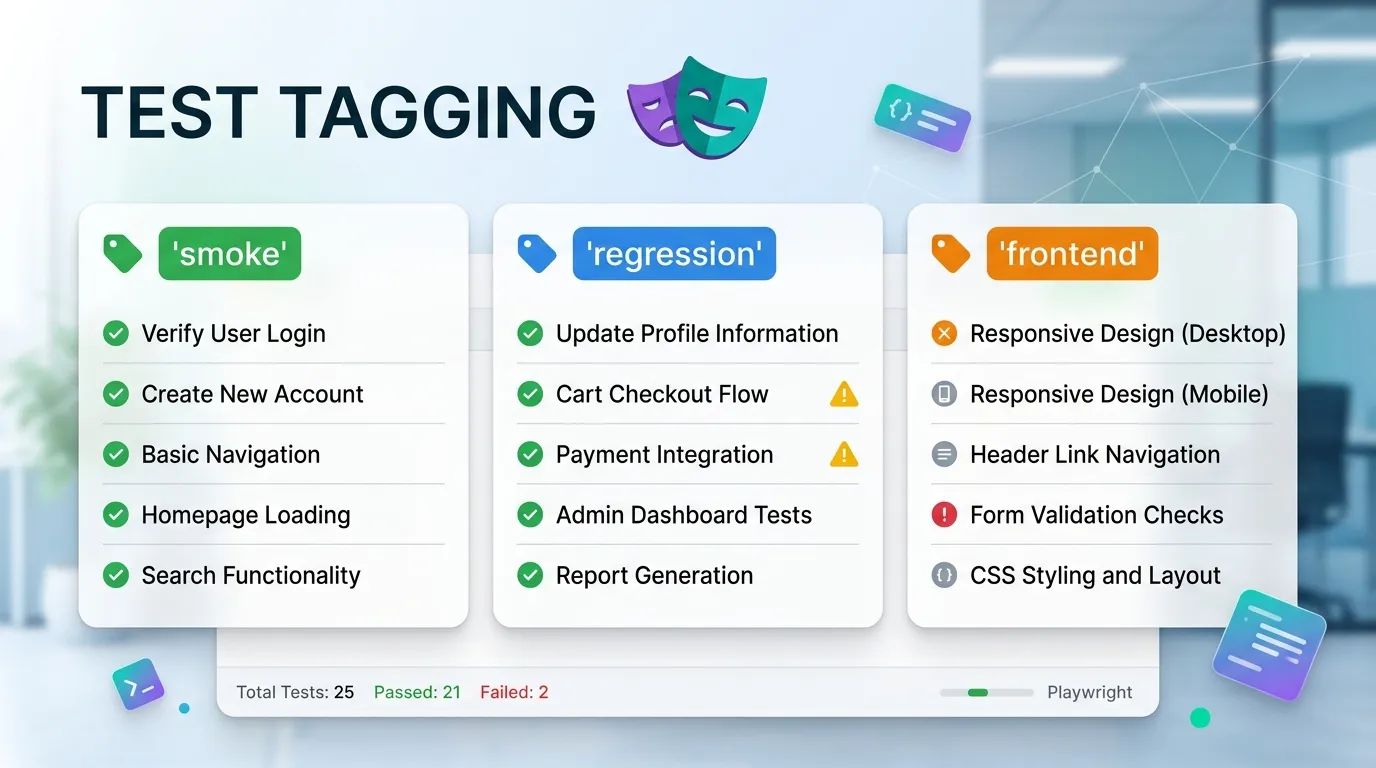
Test tagging allows you to:
- Organize tests logically
- Run specific groups of tests
- Improve CI/CD efficiency
- Scale automation easily
In this guide, you will learn:
- What playwright test tagging is
- Why it is important
- Different ways to tag tests
- How to run tagged tests
- Best practices and real-world usage
By the end, you will be able to manage large test suites like a professional.
Simple Explanation
Instead of running all tests, you can run:
- Only smoke tests
- Only regression tests
- Only failed tests
- Only critical tests
1 Faster Test Execution
- Run only required tests
- Save time in pipelines
3 Improved CI/CD
- Run different test sets in different stages
Functional Tags
- @login
- @checkout
- @search
Priority Tags
- @critical
- @high
- @low
Method 1 Using Test Title
test('Add to cart @smoke @regression', async ({ page }) => {
  // test code
});
Method 3 Using Custom Metadata
test('Login Test', {
  tag: '@smoke'
}, async ({ page }) => {
  // test code
});
Run Multiple Tags
npx playwright test --grep "@smoke|@regression"
Combine Include and Exclude
npx playwright test --grep @smoke --grep-invert @flaky
Implementation
test('Login Test @smoke', async ({ page }) => {
  // login logic
});

test('Full checkout flow @regression', async ({ page }) => {
  // checkout logic
});
Using Regex for Complex Filtering
npx playwright test --grep "(?=.*@smoke)(?=.*@login)"
Tagging by File Naming Convention
Example:
- login.smoke.spec.js
- checkout.regression.spec.js
Avoid Over Tagging
Do not add too many tags to one test.
Combine Tags with Environments
Example:
- @smoke @staging
- @regression @prod
Common Mistakes to Avoid
Using Random Tags
Leads to confusion and poor organization.
Overlapping Tags
Too many similar tags reduce clarity.
Test Tagging vs Test Grouping
| Feature | Tagging | Grouping |
|---|---|---|
| Flexibility | High | Medium |
| Filtering | Easy | Limited |
| Scalability | High | Medium |
| CI CD Usage | Excellent | Good |
How Test Tagging Improves CI CD
Benefits
- Faster builds
- Targeted execution
- Reduced cost
- Better debugging
Future of Test Tagging
Test tagging is evolving with:
- AI based test selection
- Smart tagging systems
- Dynamic execution strategies
Playwright supports modern testing workflows.
Conclusion
Test tagging is not just a feature it is a necessity for modern automation.
Without tagging:
- Test execution becomes slow
- Debugging becomes difficult
- CI CD becomes inefficient
With proper tagging you can:
- Run smarter tests
- Save time and resources
- Improve test reliability
Start using Playwright test tagging today to take your automation framework to the next level.
How do I run tagged tests
Use the --grep command in Playwright.
Why is test tagging important
It improves execution speed and organization.


