
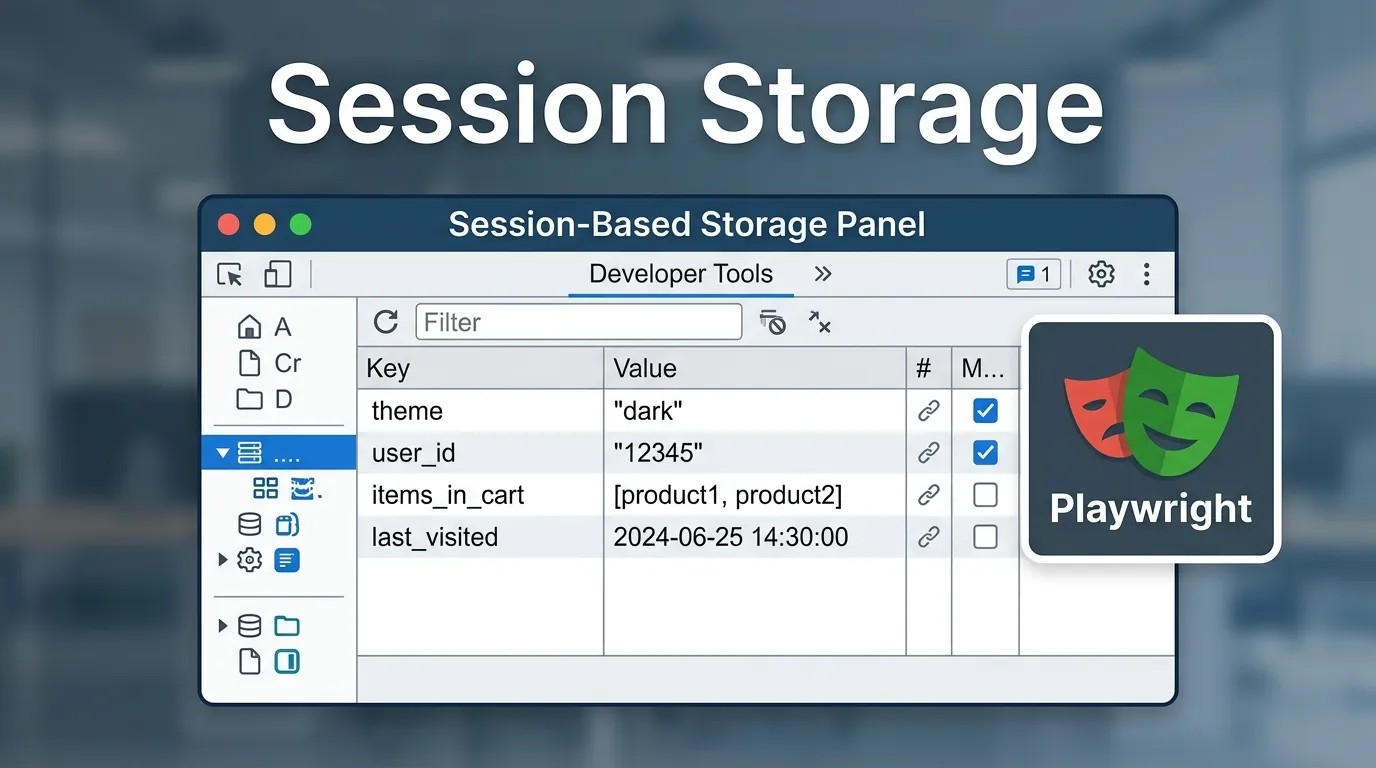
Introduction
Have you ever noticed how some websites “forget” your data the moment you close a tab?
- A form resets
- Temporary data disappears
- A session ends instantly
That’s not a bug. That’s session storage working exactly as designed.
Now imagine testing these behaviors manually:
- Open page
- Enter data
- Close tab
- Reopen
- Repeat
It quickly becomes:
- Time-consuming
- Hard to validate
- Difficult to scale
This is where playwright session storage testing becomes essential.
With Playwright, you can:
- Read session storage
- Set temporary data
- Validate session-based behavior
- Simulate user flows
- Reset and test fresh sessions
In this guide, you’ll learn:
- What session storage is
- How playwright session storage works
- Step-by-step testing methods
- Real-world use cases
- Best practices and mistakes to avoid
By the end, you’ll confidently automate session-based testing scenarios in Playwright.
Simple Explanation
It stores data only for the duration of a tab session and clears it when the tab is closed.
Example
sessionStorage.setItem('user', 'Suman');
2 Multi Step Form Testing
Validates progress saved during session.
4 Session Based Features
Tests flows like OTP verification or checkout sessions.
Playwright interacts with session storage using JavaScript execution.
Example
const data = await page.evaluate(() => {
  return sessionStorage.getItem('user');
});
console.log(data);
Example
await page.evaluate(() => {
  sessionStorage.setItem('user', 'testUser');
});
Example
await page.evaluate(() => {
  sessionStorage.clear();
});
Step by Step Session Storage Testing Process
Step 1 Launch Browser
const context = await browser.newContext();
const page = await context.newPage();
Step 3 Set Session Data
await page.evaluate(() => {
  sessionStorage.setItem('cart', 'item1');
});
Step 5 Reload and Test Behavior
await page.reload();
What You Validate
- User stays on correct step
- Data persists within session
Use Case
- Resume form data
- Validate partial submissions
Best Practices for Playwright Session Storage Testing
Validate After Setting Data
Always confirm values are correctly stored.
Reset Between Tests
Ensure clean test execution.
Test Edge Cases
Handle tab close and refresh scenarios.
Not Reloading Page
Changes may not reflect immediately.
Skipping Validation
Always verify data.
Remove Specific Item
await page.evaluate(() => {
  sessionStorage.removeItem('cart');
});
Combining Session Storage with Other Actions
With Navigation
await page.goto('https://example.com/dashboard');
With Login Flow
await page.evaluate(() => {
  sessionStorage.setItem('token', 'abc123');
});
Future of Session Storage Testing
With evolving web standards:
- More secure client storage
- Token-based authentication
- Privacy-first browsers
- Server-managed sessions
Playwright will continue to support modern testing needs.
Conclusion
Session storage is critical for handling temporary user data.
Without proper testing:
- Forms may break
- Sessions may fail
- User experience may suffer
With Playwright, you can:
- Control session storage
- Automate complex scenarios
- Ensure reliable testing
Start using playwright session storage testing today to build robust and scalable automation frameworks.
How to get session storage data
Use page.evaluate() with sessionStorage.getItem().
Why use session storage in testing
To test temporary session-based behavior.



