
Introduction
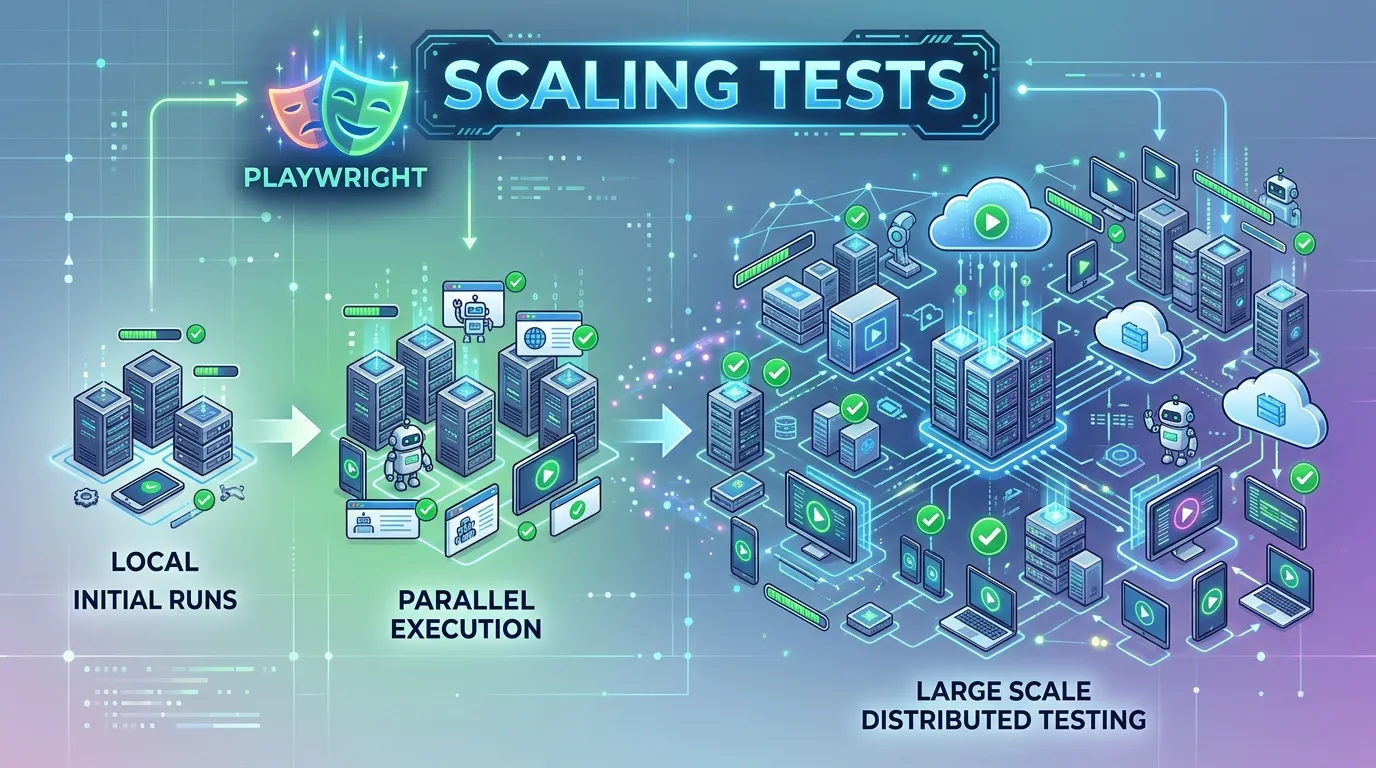
There's a significant difference between maintaining a suite of 50 tests and a suite of 5,000 tests. As your project scales, problems that were once minor—like a 2-second sleep or a slightly flaky selector—become catastrophic. To succeed in a large-scale project in 2026, your automation must be built for Performance, Parallelism, and Portability.
In this guide, we'll explore the advanced techniques needed to scale your Playwright tests without sacrificing reliability or developer productivity.
1. Mastering Parallelization at Scale
Running tests one-by-one is impossible for large suites. Playwright's native parallelism allows you to scale your execution to match your hardware's power.
- Workers: Increase the number of concurrent browser instances in your
playwright.config.ts. - Fully Parallel: Ensure your tests are truly isolated so you can enable
fullyParallel: true, which runs every test (not just every file) concurrently.
export default defineConfig({
  fullyParallel: true,
  workers: process.env.CI ? 8 : undefined, // Scale workers based on CI environment
});
2. The Power of Sharding
When a single machine isn't enough to handle your entire suite in a reasonable time, Sharding allows you to split your tests across multiple CI runners.
The Strategy:
Instead of one runner taking 2 hours, 10 runners take 12 minutes. Playwright's built-in --shard flag makes this implementation effortless.
# Runner 1
npx playwright test --shard=1/4
# Runner 2
npx playwright test --shard=2/4
# ... and so on
3. Optimizing State Management
The biggest bottleneck in scaling is Setup. If every test has to perform a 10-second login, you're wasting thousands of hours of CI time.
The Solution: Use Global Setup and Storage State. Log in once, save the session, and reuse it for all tests. This "State Warm-up" can reduce your total suite time by up to 60%.
use: {
  storageState: 'auth.json',
},
4. Advanced Reporting and Analysis
Managing the results of 5,000 tests requires more than just a passing/failing percentage.
- Grouped Failure Analysis: Use a custom reporter to identify "common causes" of failures (e.g., if a specific locator changed, all 200 tests that use it will fail. A good report should highlight this).
- Flakiness Tracking: Implement a strategy to identify and quarantine flaky tests automatically so they don't block your CI pipeline.
5. Maintenance Through Structure
In a large project, structure is everything.
- Page Object Model (POM): This is non-negotiable at scale. It ensures your locators are centralized and your code is DRY (Don't Repeat Yourself).
- Layered Framework: Create a "Base Page" or "Utility Layer" to handle general environmental concerns, leaving your actual test files focused entirely on business logic.
Conclusion
Scaling is about more than just adding more tests; it's about building a system that can handle growth without breaking under its own weight. By leveraging Playwright's native sharding, parallelism, and state management features, you can build an automation suite that provides rapid, reliable feedback for even the largest enterprise applications. In 2026, a scalable automation engine is the foundation of a successful DevOps culture.
Frequently Asked Questions
Most modern CI providers (GitHub Actions, GitLab, Azure Pipelines) have built-in support for sharding across multiple standard runners.



