
Introduction
Theory is one thing; practice is another. While understanding the individual features of Playwright is essential, seeing how they are applied to solve real-world problems provides the deepest insight. In the complex world of web development in 2026, automation must handle everything from simple form submissions to intricate multi-stage user journeys and specialized API integrations.
In this guide, we'll explore five real-world examples of how Playwright is used by high-performance engineering teams to ensure the quality and reliability of their applications.
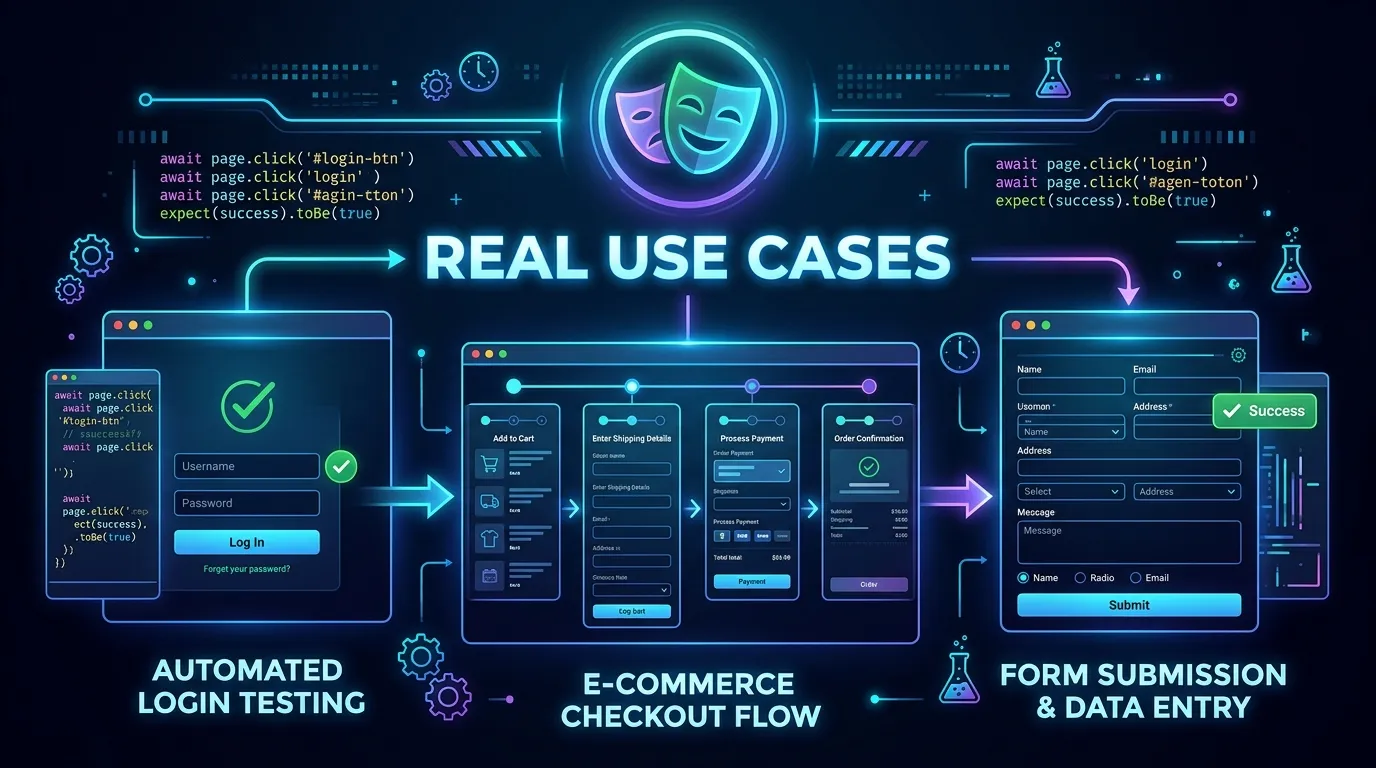
1. Complex E-commerce Checkout Journey
Testing a checkout flow is the classic "Critical Path" for any online retailer. It involves multiple pages, third-party payment gateways, and intricate state management.
The Solution: Teams use a combination of Page Objects and Storage State to build a robust suite. They log in once, save the session, and then reuse it across multiple tests to speed up the execution.
- Example Action:
await page.click('text="Add to Cart"'); - Verification:
await expect(page.locator('.order-confirmation')).toBeVisible();
2. Multi-Role Dashboard with Permission Gates
For enterprise applications, ensuring that users can only see and interact with what they are authorized to is a major testing requirement.
The Solution: Engineers create separate Playwright Projects or use Fixtures to inject different user roles (Admin, Moderator, User) into their tests. This allows them to verify that an Admin can see a "Delete" button while a Standard User cannot.
- Verification:
await expect(page.getByRole('button', { name: 'Delete User' })).not.toBeVisible();
3. Real-Time Data Monitoring with API Timing
Some organizations use Playwright not just for functional testing, but for continuous monitoring of their application's performance.
The Solution:
By combining Playwright's request method with navigation events, teams can track how long it takes for a page to load and how long internal API calls take to respond.
- Metric Tracking:
const timing = await page.evaluate(() => performance.getEntriesByType('navigation')[0]);
4. Visual Regression Testing for Design Consistency
For design-heavy applications, even a small CSS change can have catastrophic effects. Text-based assertions aren't enough.
The Solution: Teams leverage Playwright's native Screenshot Comparison feature to capture baselines of critical components (like a navbar or footer) and compare them on every commit.
- Visual Assertion:
await expect(page.locator('header')).toHaveScreenshot('header-baseline.png');
5. Automating a Multi-Tab Workflow
Many internal business tools require users to open multiple windows or tabs to complete a task (e.g., viewing a report while editing a customer profile).
The Solution:
Playwright's waitForEvent('page') allows for seamless interaction across multiple tabs, which was once a major pain point in browser automation.
- Tab Management:
const [newPage] = await Promise.all([ context.waitForEvent('page'), page.click('text="View Detailed Report"') ]);
Conclusion
These real-world examples show the true versatility of Playwright. It is no longer just a library for "clicking a button"; it is a comprehensive platform for ensuring every aspect of the modern web user experience—from functional correctness and security to performance and visual consistency—is high-quality. By adopting these patterns, you can build an automation suite that is as robust and sophisticated as the applications it tests.
Frequently Asked Questions
Generally, multi-stage journeys that involve Third-Party Integrations (like payment processors or maps) are the most complex due to their external nature. Mocking these responses is often the best strategy for stability.



