
Introduction
Imagine running hundreds of automated tests and getting nothing but a simple “pass” or “fail” message. Sounds frustrating, right? You wouldn’t know what broke, why it failed, or how to fix it.
This is where playwright test reports become incredibly powerful.
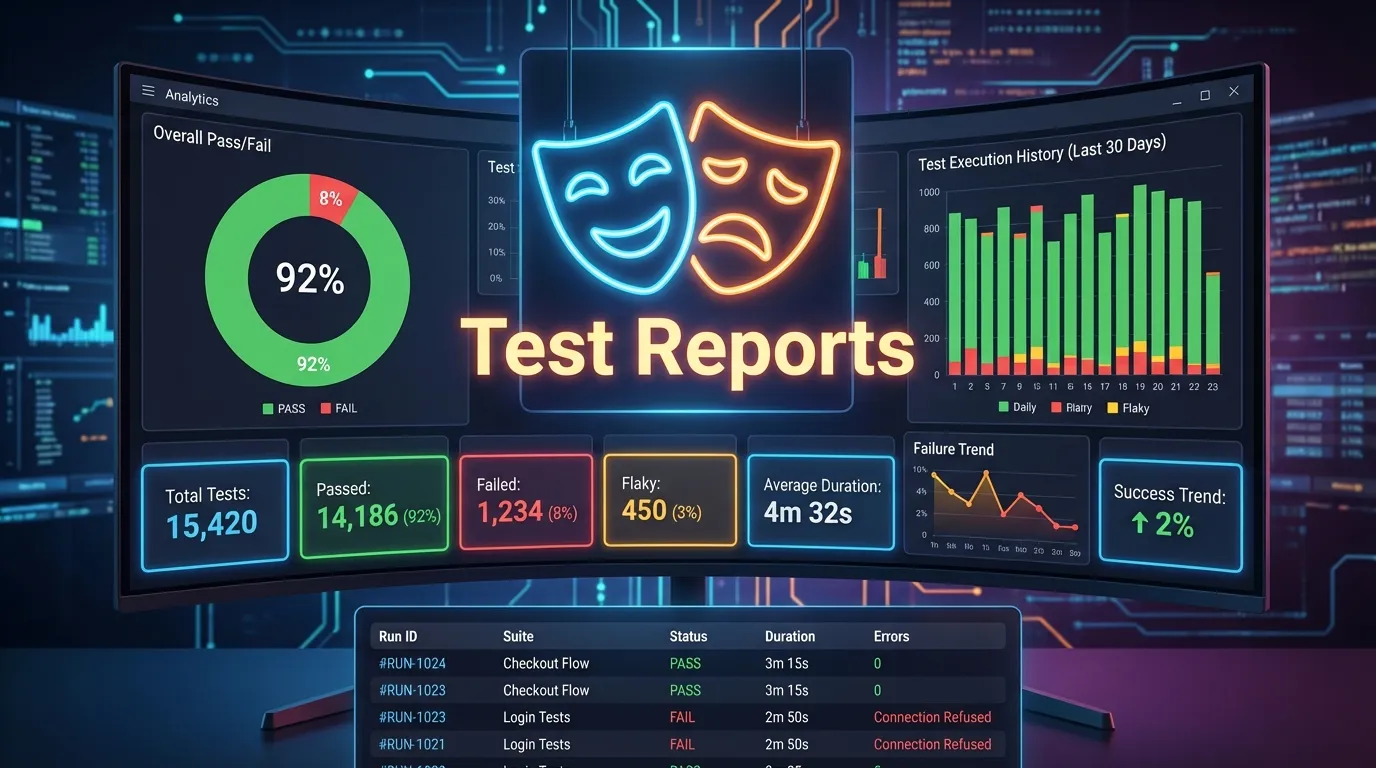
Test reports are not just summaries—they are your debugging companion, quality indicator, and decision-making tool. In modern automation workflows, especially in CI CD pipelines, detailed reporting is essential to maintain speed, reliability, and transparency.
Playwright offers built in reporting tools that provide rich insights such as:
- Screenshots
- Videos
- Logs
- Error traces
In this complete Playwright Test Reports Guide, you will learn:
- What test reports are and why they matter
- How playwright test reports work
- Different types of reports in Playwright
- How to generate and customize reports
- Best practices for effective reporting
Whether you are a beginner, QA engineer, or automation expert, this guide will help you master Playwright reporting and improve your testing workflow.
Using playwright test reports brings several advantages.
Faster Debugging
Detailed logs and traces help identify issues quickly.
Better Visibility
Teams can understand test outcomes easily.
Improved Collaboration
Reports can be shared across teams.
CI CD Integration
Reports are essential in automated pipelines.
List Report
Displays results in terminal.
Example
npx playwright test --reporter=list
JUnit Report
Used in CI tools.
npx playwright test --reporter=junit
Test Summary
Overview of results.
Test Details
Individual test results.
Attachments
Screenshots and videos.
Error Logs
Detailed failure messages.
Playwright can record videos.
Configuration
use: {
  video: 'on'
}
You can customize reporting.
Example Config
reporter: [
  ['html', { outputFolder: 'reports' }]
]
Playwright Reports vs Traditional Reports
| Feature | Traditional Reports | Playwright Reports |
|---|---|---|
| Detail Level | Low | High |
| Screenshots | No | Yes |
| Videos | No | Yes |
| Debugging | Limited | Advanced |
Common Reporting Challenges
Large Report Size
Solution: Limit video and trace usage
Slow Report Generation
Solution: Optimize test execution
Missing Data
Solution: Enable logs and traces
Advanced Tips
- Use multiple reporters
- Integrate with dashboards
- Use custom report tools
- Analyze trends over time
Conclusion
Test reports are the backbone of effective automation testing.
Playwright takes reporting to the next level by providing rich, interactive, and detailed reports that help developers and QA engineers understand exactly what happened during test execution.
By mastering playwright test reports, you can:
- Debug faster
- Improve test quality
- Enhance collaboration
- Build reliable automation pipelines
In modern testing workflows, reporting is not optional—it is essential.
Feature Image
https://images.unsplash.com/photo-1555066931-4365d14bab8c


