
Introduction
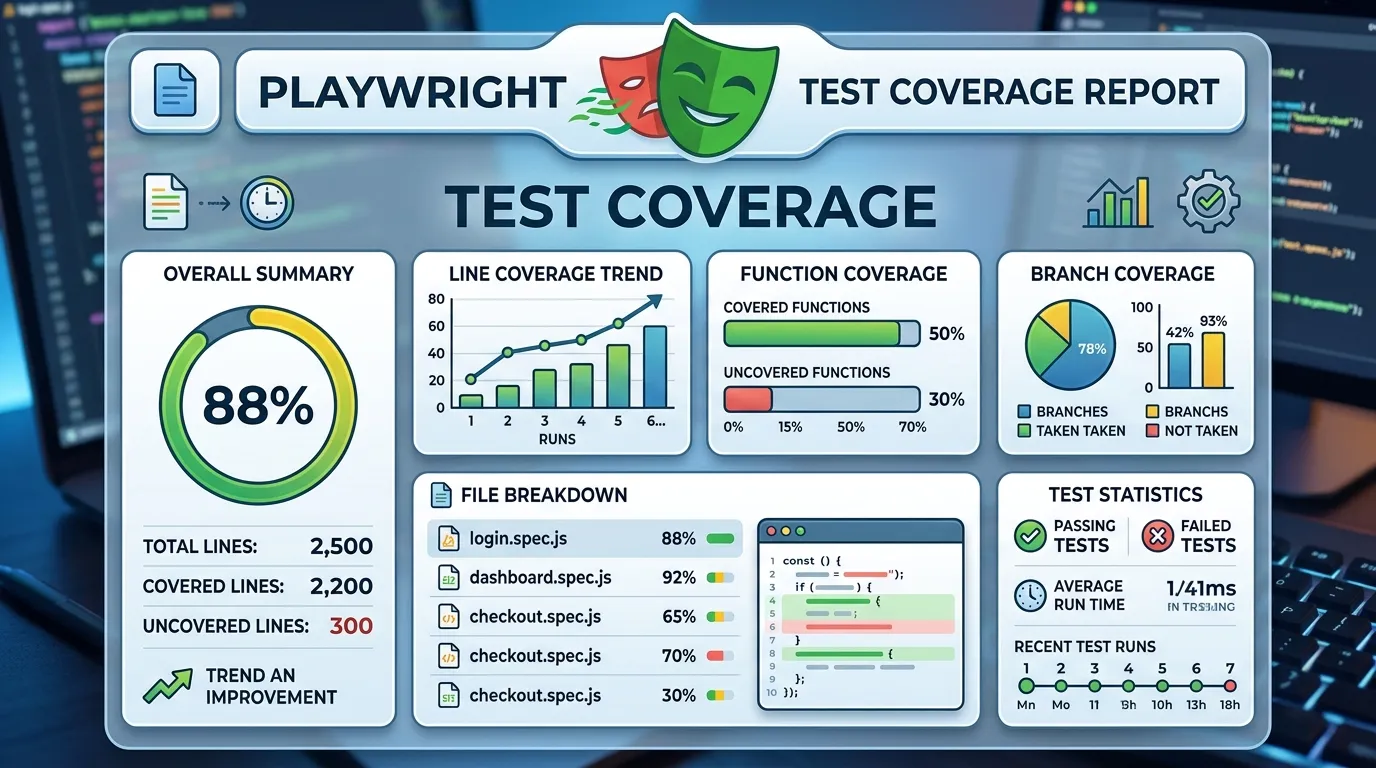
In the world of professional software development, "finished" doesn't just mean your tests passed; it means you've tested enough. Test Coverage is a metric that quantifies how much of your application's code and functionality is being exercised by your automation suite. Without coverage data, your "100% pass rate" could be hiding massive blind spots.
Playwright, with its deep integration into the browser engine, provides several ways to gather and analyze test coverage. In this guide, we'll explore how to move beyond basic automation and start measuring the true depth of your testing efforts in 2026.
What Types of Coverage Should You Track?
- Code Coverage: The percentage of your application's source code (JavaScript/TypeScript) that is executed during tests.
- Feature Coverage: Ensuring that every user-facing feature has at least one associated E2E test.
- Requirement Coverage: Mapping your tests back to business requirements or user stories.
- API Coverage: Ensuring all backend endpoints are exercised by your Playwright API or UI tests.
1. Capturing JavaScript Code Coverage
Playwright can natively capture the coverage of the JavaScript running in the browser. This allows you to see which parts of your frontend code are "dark" (never called).
Basic Implementation:
test('Should capture JS coverage', async ({ page }) => {
  // 1. Start coverage
  await page.coverage.startJSCoverage();

  // 2. Perform test actions
  await page.goto('/');
  await page.click('#my-button');

  // 3. Stop and analyze
  const coverage = await page.coverage.stopJSCoverage();
  for (const entry of coverage) {
    const usedBytes = entry.functions.reduce((sum, func) =>
      sum + func.ranges.reduce((rSum, range) => rSum + (range.endOffset - range.startOffset), 0), 0);
    console.log(`${entry.url}: ${(usedBytes / entry.source.length) * 100}% used`);
  }
});
2. Using v8-to-istanbul for Professional Reports
For large-scale projects, console logs aren't enough. You need visual reports. You can use the v8-to-istanbul library to convert Playwright's coverage data into the industry-standard Istanbul format.
- Tools to use:
v8-to-istanbulandnyc. - The Workflow: Capture coverage → Convert to Istanbul → Generate HTML report.
3. Tracking Feature-Level Coverage
While code coverage is technical, feature coverage is strategic.
- The Strategy: Create a "Master Feature List" in your documentation.
- The Implementation: Tag your Playwright tests with feature names (e.g.,
@login,@checkout). - The Result: A simple script can parse your tests and identify which features are missing coverage.
test('User can search for products @search', async ({ page }) => { ... });
4. Requirement Traceability Matrix
In highly regulated industries, you must prove that your tests cover every requirement.
- The Solution: Use Playwright's metadata to link tests to Jira or Trello issues.
- The Benefit: Provides an automated way to show stakeholders that "Requirement #102 is 100% verified by Playwright Test ID #44."
Best Practices for Test Coverage
- Don't Aim for 100%: In E2E testing, 100% code coverage is a trap. Focus on the most critical paths and logic.
- Combine Coverage: Your total coverage should be the sum of your Unit, Integration, and Playwright E2E tests.
- Monitor Trends: Track whether your coverage is increasing or decreasing as you add new features.
- Identify Blind Spots: Use coverage reports to justify the creation of new tests for under-tested areas.
Conclusion
Test coverage is the map that shows you where your application's quality is solid and where it is fragile. By leveraging Playwright's native coverage tools and combining them with strategic feature-level tracking, you ensure that your automation suite is a true reflection of your application's health. In 2026, data-driven quality is the hallmark of leading engineering teams.
Frequently Asked Questions
Yes, as long as you're using the same browser context, Playwright can aggregate the coverage data.


