
Introduction
Modern web applications rely heavily on network requests. Every time a user logs in, loads a dashboard, searches for products, or updates their profile, the browser communicates with servers through APIs and network calls. These requests fetch data, submit forms, authenticate users, and power dynamic web experiences.
Because network communication is so critical, testing it effectively is essential for modern automation strategies. If APIs return incorrect data, if requests fail, or if unexpected responses occur, the entire application can behave incorrectly.
This is where playwright network interception becomes extremely powerful.
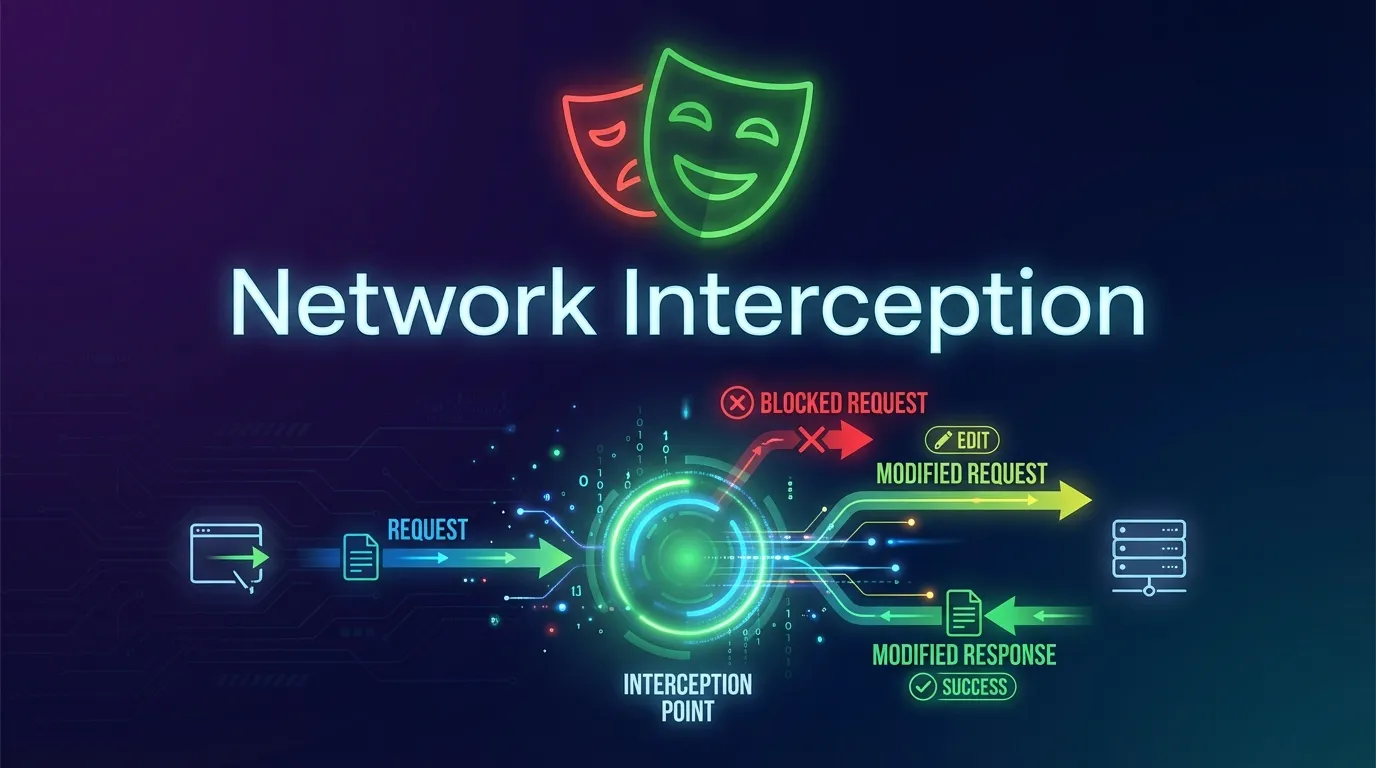
Playwright provides advanced capabilities to intercept, monitor, and modify network requests and responses during test execution. Testers can block requests, mock API responses, analyze traffic, or modify network behavior to simulate different scenarios.
In this comprehensive Playwright Network Interception Guide, you will learn:
- What network interception is in browser automation
- Why playwright network interception is important for testing
- How to intercept network requests using Playwright
- How to mock API responses
- Best practices for reliable network-based testing
Whether you are a student learning automation testing, a QA engineer building test frameworks, or a developer validating application behavior, this guide will help you master network interception using Playwright.
Network interception plays a critical role in modern test automation.
Test Backend Behavior
Interception allows testers to inspect API requests and responses.
This helps ensure backend communication works correctly.
Simulate API Responses
Testers can simulate different server responses without relying on actual backend services.
This helps test edge cases.
Improve Test Reliability
Mocking APIs reduces dependency on external services, making tests more stable.
Playwright allows monitoring network requests using event listeners.
Example:
page.on('request', request => {
console.log('Request URL:', request.url())
})
This logs every network request made by the page.
Monitoring requests helps testers analyze application behavior.
Playwright uses page.route() to intercept network requests.
Example:
await page.route('**/api/users', route => {
route.continue()
})
This intercepts requests matching the specified URL pattern.
Steps performed:
1 Capture request
2 Allow request to continue
This enables request inspection.
One of the most powerful features of playwright network interception is response mocking.
Example:
await page.route('**/api/products', route => {

route.fulfill({
status: 200,
body: JSON.stringify([{ name: 'Mock Product' }])
})

})
This replaces the real API response with mock data.
Mocking responses allows testing application behavior without real servers.
Step by Step Example of Network Interception
Example automation test using network interception.
import { test } from '@playwright/test'

test('mock api response', async ({ page }) => {

await page.route('**/api/data', route => {

route.fulfill({
status: 200,
body: JSON.stringify({ message: 'Mock Data' })
})

})

await page.goto('https://example.com')

})
Steps performed:
- Intercept API request
- Return mocked response
- Load application
This allows testing UI behavior with controlled API responses.
Playwright Network Interception vs Traditional Tools
| Feature | Playwright | Traditional Automation Tools |
|---|---|---|
| Request interception | Built in | Limited |
| Response mocking | Supported | Often external |
| API monitoring | Yes | Partial |
| Integration with UI tests | Seamless | Limited |
Because of these advantages, Playwright provides more flexible network testing capabilities.
Real World Example of Error Simulation
Example simulating server error.
await page.route('**/api/orders', route => {

route.fulfill({
status: 500,
body: JSON.stringify({ error: 'Server Error' })
})

})
This allows testing how the application handles API failures.
Conclusion
Network communication is at the heart of modern web applications. APIs and backend services handle everything from authentication to data retrieval. Ensuring these interactions work correctly is essential for delivering reliable applications.
Playwright provides powerful network interception capabilities that allow testers to monitor requests, mock responses, modify headers, and simulate server errors. These features make it easier to test complex application behavior without depending on real backend services.
By mastering playwright network interception, automation engineers can create more reliable, faster, and flexible test suites.
For anyone working in browser automation, understanding network interception in Playwright is an important skill.
Feature Image
https://images.unsplash.com/photo-1555066931-4365d14bab8c



