
Introduction
Imagine pushing your code to a repository and instantly knowing whether your application is working perfectly across browsers, devices, and user flows—without manually testing anything. That’s the power of CI/CD.
In modern software development, speed and reliability are everything. Teams are shipping updates faster than ever, and manual testing simply can’t keep up. This is where playwright CI/CD integration becomes a game changer.
Playwright allows you to automate end-to-end testing, and when combined with CI/CD pipelines, it ensures that every code change is automatically tested before it reaches production. This reduces bugs, improves code quality, and accelerates development cycles.
In this complete Playwright CI/CD Integration Guide, you will learn:
- What CI/CD is and why it matters
- How playwright CI/CD integration works
- How to set up Playwright in CI/CD pipelines
- Real-world examples using popular tools
- Best practices for scalable automation
Whether you are a student learning DevOps, a QA engineer, or a developer building robust pipelines, this guide will help you implement Playwright in CI/CD workflows effectively.
CI/CD is essential for modern software teams.
Faster Development
Automation speeds up the release process.
Reduced Errors
Automated tests catch issues before deployment.
Improved Collaboration
Teams can work simultaneously without conflicts.
Better Product Quality
Continuous testing ensures stability.
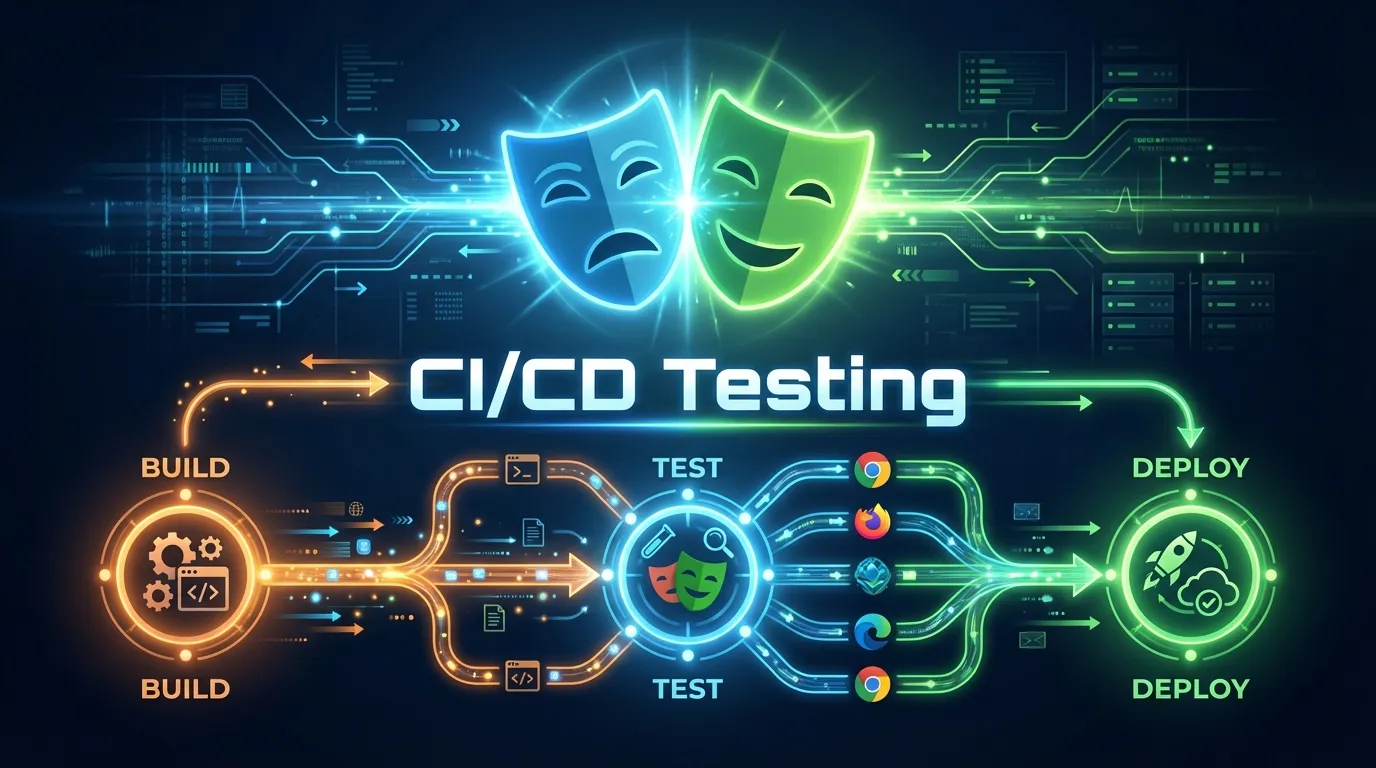
Playwright acts as the testing layer in CI/CD.
Typical Workflow
1 Developer pushes code
2 CI pipeline starts
3 Playwright tests run
4 Results are generated
5 Deployment happens if tests pass
This ensures that broken code never reaches production.
GitHub Actions is one of the most popular CI/CD tools.
Example Workflow File
name: Playwright Tests

on:
  push:
    branches: [ main ]

jobs:
  test:
    runs-on: ubuntu-latest

    steps:
      - uses: actions/checkout@v3

      - uses: actions/setup-node@v3
        with:
          node-version: 18

      - run: npm install
      - run: npx playwright install
      - run: npx playwright test
What This Does
- Runs tests on every push
- Installs dependencies
- Executes Playwright tests
GitLab CI also supports Playwright integration.
Example Configuration
stages:
  - test

test:
  image: node:18
  script:
    - npm install
    - npx playwright install
    - npx playwright test
Generating Test Reports
Playwright provides built-in reporting.
Example
npx playwright show-report
Reports include:
- Passed and failed tests
- Screenshots
- Logs
Handling Failures in CI/CD
Failures should stop deployment.
Strategy
- Fail pipeline on test failure
- Send alerts to team
- Log detailed reports
Best Practices for Playwright CI/CD Integration
Run Tests on Every Commit
Ensures immediate feedback.
Use Separate Test Environments
Avoid affecting production systems.
Optimize Test Suites
Remove flaky or slow tests.
Store Test Artifacts
Save logs, screenshots, and reports.
Use Environment Variables
Secure sensitive data.
Common Challenges in CI/CD Integration
- Flaky tests
- Environment inconsistencies
- Slow pipelines
- Dependency issues
Solutions
- Stabilize tests
- Use Docker environments
- Optimize execution time
Short Summary
Playwright CI/CD integration automates testing within development pipelines, ensuring that every code change is validated before deployment. This improves speed, reliability, and product quality.
FAQs
What is Playwright CI/CD integration
It is the process of running Playwright tests in CI/CD pipelines.
Can Playwright run in CI environments
Yes it supports headless execution in CI pipelines.
Which tools support Playwright CI/CD
GitHub Actions, Jenkins, GitLab CI, and others.
Why use Playwright in CI/CD
It ensures automated testing and improves code quality.
Can Playwright run tests in parallel in CI
Yes using workers configuration.



