
Introduction
Whether you're a student looking to break into the industry or a professional aiming to level up, personal projects are your best asset. They allow you to experiment with advanced features, solve real-world problems, and demonstrate your expertise to potential employers. In the competitive job market of 2026, a GitHub repository filled with well-architected Playwright projects is worth more than any certificate.
In this guide, we've outlined 5 practical and challenging Playwright automation project ideas that will push your skills to the next level. Let's dive in!
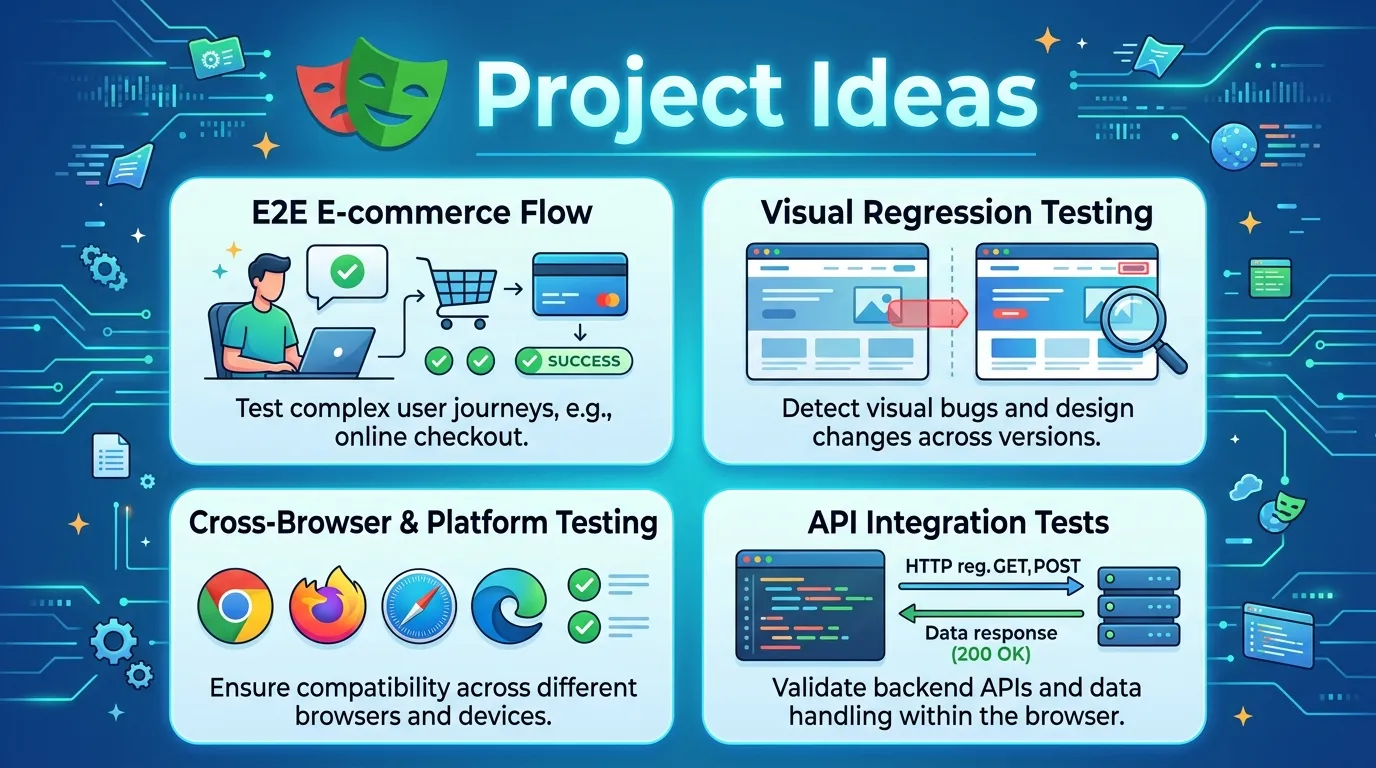
1. E-commerce Checkout Flow (End-to-End)
This is the classic "heavy" project. Your goal is to automate the entire customer journey for a mock e-commerce site.
Project Scope:
- Search for a specific product.
- Add it to the cart.
- Navigate to the checkout page.
- Fill out the shipping and payment information.
- Verify the "Order Confirmation" success message.
Advanced Challenge: Use a Page Object Model and implement a Global Setup for user authentication to skip the login step for every test run.
2. Visual Regression Testing Suite
Visual regressions are one of the biggest challenges for modern web applications. Create a project that focuses entirely on pixel-level accuracy.
Project Scope:
- Select a set of 5-10 complex UI components (like navbars, modals, or data tables).
- Create a baseline for each component across different screen sizes (Desktop, Tablet, Mobile).
- Intentionally change a CSS property and show how Playwright detects the regression.
Advanced Challenge: Integrate this project into a CI/CD pipeline (like GitHub Actions) and generate a visual report on failure.
3. Real-Time Data Scraper with CSV Export
Browser automation isn't just for testing; it's also powerful for gathering data.
Project Scope:
- Navigate to a real estate or job listing portal.
- Use Playwright's locator API to extract property titles, prices, and locations.
- Handle pagination (automatically clicking "Next") until a certain limit is reached.
- Save the gathered data into a structured
.csvor.jsonfile.
Advanced Challenge: Set up a Headless mode and use a cron job to run the scraper every 24 hours.
4. Multi-Role Dashboard Testing (Permission Based)
Testing applications with complex roles (Admin, Moderator, User) is a vital skill.
Project Scope:
- Create a set of tests for an admin dashboard.
- Verify that an Admin can delete a post.
- Verify that a Standard User cannot see the "Delete" button.
- Ensure that navigating directly to the admin URL as a standard user results in a 403 Forbidden page.
Advanced Challenge: Use Playwright Fixtures to inject the correct user session for each test automatically.
5. Performance Monitoring Dashboard
Combine Playwright with Core Web Vitals to track performance over time.
Project Scope:
- Create a script that navigates to your target site.
- Use the
performance.getEntriesByType('navigation')API to capture LCP, CLS, and FID. - Log these metrics to a database or a simple text file.
- Add a test that fails if the "Time to Interactive" (TTI) exceeds a specific threshold (e.g., 3 seconds).
Advanced Challenge: Visualize this data using a basic charting library like Chart.js or D3.
Conclusion
The best way to learn any tool is by building something real. These projects aren't just exercises; they are precursors to the work you'll be doing in professional automation pipelines. Pick the one that excites you the most, get coding, and don't forget to document your progress and architecture in your README!
Frequently Asked Questions
The E-commerce Checkout Flow is the best starting point because it covers the fundamental concepts like locators, actions, and basic assertions.


