
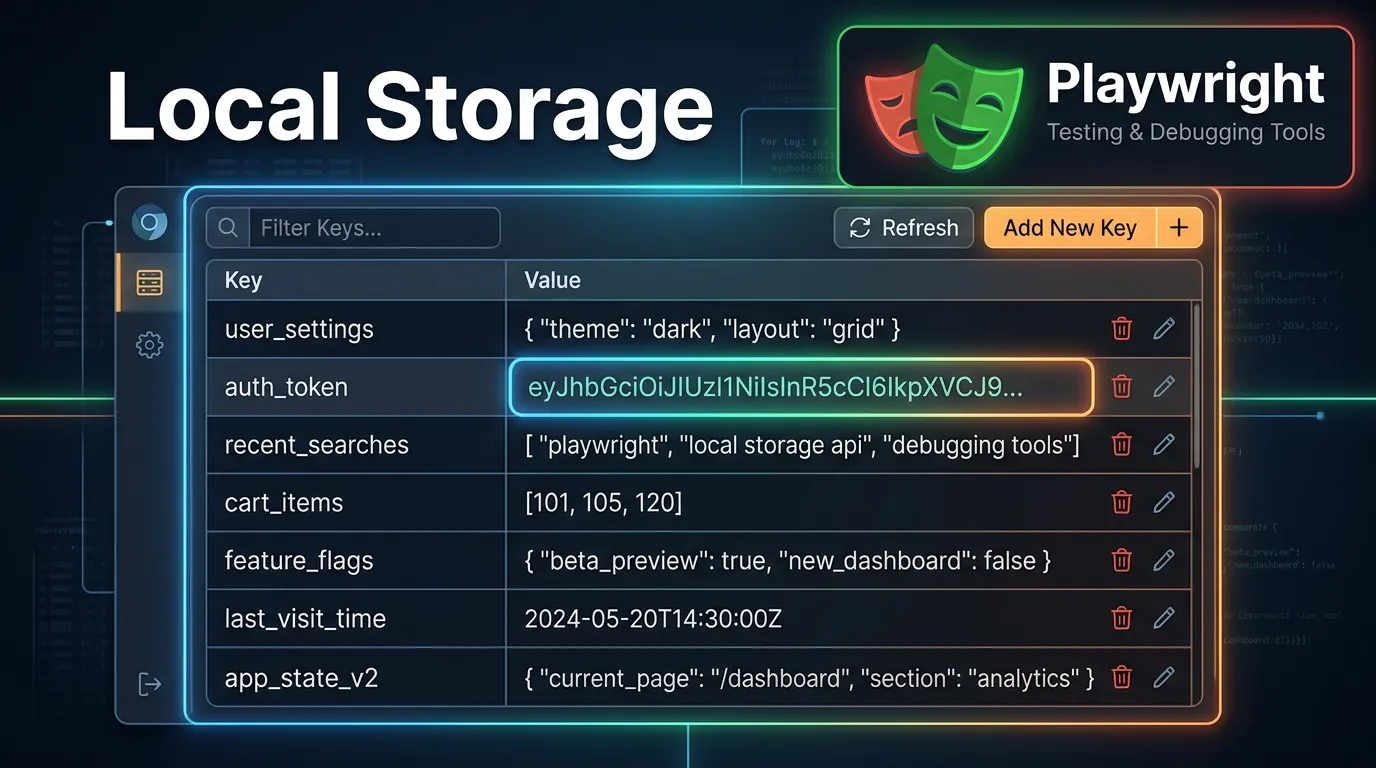
Introduction
Ever wondered how websites remember your theme preferences, language settings, or even your last visited page?
It’s not always cookies. A big part of modern web applications relies on local storage.
Now imagine testing applications where:
- Dark mode should persist
- User settings should remain saved
- Tokens should stay available
If you test this manually every time, it becomes:
- Slow
- Repetitive
- Error-prone
This is where playwright local storage handling becomes a powerful skill.
With Playwright, you can:
- Read local storage
- Set values
- Modify data
- Clear storage
- Simulate real user sessions
In this guide, you’ll learn:
- What local storage is
- How playwright local storage works
- Step-by-step implementation
- Real-world examples
- Best practices and mistakes to avoid
By the end, you’ll confidently automate local storage testing in Playwright.
Simple Explanation
It allows websites to save data in your browser even after you close the tab.
Example
localStorage.setItem('theme', 'dark');
2 Authentication Handling
Some apps store tokens in local storage.
4 State Validation
Ensures application behaves correctly with stored data.
Playwright interacts with local storage using:
- page.evaluate()
- storageState()
What This Does
- Fetches stored value
- Helps verify app state
Use Case
- Set user preferences
- Simulate user behavior
Why Use This
- Reset application state
- Test fresh user scenarios
Step 2 Set Local Storage
await page.goto('https://example.com');

await page.evaluate(() => {
  localStorage.setItem('user', 'testUser');
});
Step 4 Validate Data
const user = await page.evaluate(() => localStorage.getItem('user'));
console.log(user);
Save State
await context.storageState({ path: 'state.json' });
Benefits
- Reuse sessions
- Save time
- Improve performance
What You Validate
- Dark mode is applied
- UI remains consistent
Example
await page.evaluate(() => {
  localStorage.setItem('token', 'abc123');
});

await page.goto('https://example.com/dashboard');
| Feature | Local Storage | Session Storage |
|---|---|---|
| Persistence | Permanent | Temporary |
| Scope | Across tabs | Single tab |
| Use Case | Preferences | Temporary data |
Avoid Hardcoding Sensitive Data
Use environment variables.
Clear Storage When Needed
Prevents test conflicts.
Not Reloading Page
Changes may not reflect immediately.
Overusing Local Storage
Not all data should be stored there.
Modify Existing Data
await page.evaluate(() => {
  localStorage.setItem('theme', 'light');
});
Remove Specific Key
await page.evaluate(() => {
  localStorage.removeItem('theme');
});
With UI Validation
await expect(page.locator('.dark-mode')).toBeVisible();
Step by Step Action Plan
1 Understand local storage basics
2 Identify app storage usage
3 Set required values
4 Reload application
5 Validate behavior
6 Optimize with storageState
Short Summary
Playwright local storage testing helps you:
- Manage user data
- Simulate real scenarios
- Speed up testing
- Improve reliability
FAQs
What is playwright local storage
It is managing browser local storage using Playwright.
How to set local storage
Use localStorage.setItem() inside evaluate.
Can Playwright store sessions
Yes using storageState.


