
Introduction
Imagine releasing a .NET application with dozens of features—yet a single untested function causes a production failure. It’s frustrating, costly, and completely avoidable.
That’s where NUnit, one of the most powerful and widely used testing frameworks in the .NET ecosystem, becomes essential.
Whether you're building enterprise applications, microservices, web APIs, or desktop software, NUnit helps teams automate tests with precision, clarity, and speed. It brings structure to testing, enables repeatable processes, and integrates seamlessly with modern DevOps pipelines.
In this comprehensive NUnit testing tutorial, you’ll learn:
- What NUnit is and why it’s popular
- How NUnit works under the hood
- Step-by-step setup instructions
- Real-world examples using
[Test],[SetUp],[TestCase], and assertions - How to run NUnit tests in Visual Studio and CI/CD
- Advanced NUnit features including fixtures, categories, parallel execution, and mocking
- Comparisons with other .NET testing tools
- A complete guide for beginners and professionals
Let’s dive into NUnit and master the foundation of .NET test automation.
1. Attribute-Based Testing
NUnit uses attributes like:
[Test]→ Marks a test method[SetUp]→ Runs before each test[TearDown]→ Runs after each test[TestCase]→ Parameterized tests
2. Rich Assertion Library
Assertions let you validate expected vs actual results.
3. Test Fixtures
[TestFixture]
public class CalculatorTests { }
4. Parallel Test Execution
[assembly: Parallelizable(ParallelScope.Fixtures)]
5. CI/CD Friendly
Works with Jenkins, GitHub Actions, GitLab, Azure DevOps, TeamCity.
[TestFixture]
Marks test class.
[SetUp]
[SetUp]
public void Init() => _calculator = new Calculator();
[Test]
Main test method.
[TestCase]
Parameterized testing:
[TestCase(2,3,5)]
[TestCase(10,20,30)]
public void Add_Works(int a,int b,int expected)
{
    Assert.AreEqual(expected,_calc.Add(a,b));
}
public class ApiTests
{
    private readonly ApiClient _client;
    public ApiTests() => _client = new ApiClient();
}
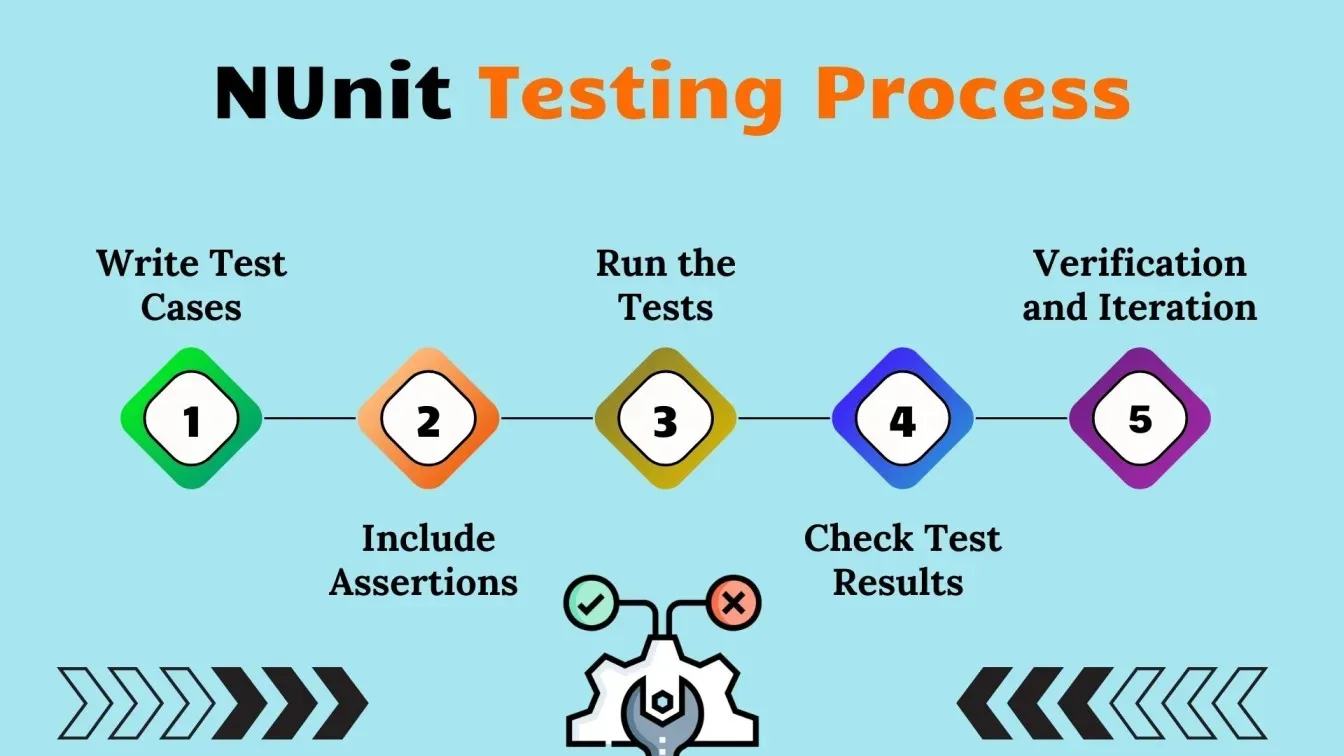
Building a Real NUnit Test Automation Framework
Step 1: Structure
/NUnitAutomation
  /Tests
  /Pages
  /Drivers
  /Helpers
  /Reports
Step 2: Dependency Injection
Keeps tests clean.
Step 3: Add Logging
Using NLog or Serilog.
Step 4: Reporting
Allure or Extent Reports integration.
Step 5: Selenium + NUnit
[Test]
public void GoogleTest()
{
    driver.Navigate().GoToUrl("https://google.com");
    Assert.AreEqual("Google", driver.Title);
}
NUnit vs xUnit vs MSTest
| Feature | NUnit | xUnit | MSTest |
|---|---|---|---|
| Ease of Use | ⭐⭐⭐⭐⭐ | ⭐⭐⭐⭐ | ⭐⭐⭐ |
| Attributes | Extensive | Minimal | Basic |
| Community | Large | Medium | Small |
| Parallelism | Strong | Strong | Limited |
| Best Use Case | UI/API automation | Microservices | Legacy |
Best Practices
- Independent tests
- One purpose per test
- Use meaningful test names
- Avoid using
Thread.Sleep() - Use mocks for dependencies
- Enable CI/CD
- Document test cases
Conclusion
NUnit is more than a testing framework—it's the backbone of modern .NET automation workflows. It supports developers and QA engineers in building maintainable, scalable, and reliable test suites. Whether you're automating APIs, microservices, or UI tests, mastering NUnit ensures cleaner code, fewer bugs, and a smoother development lifecycle.
References (Wikipedia)
https://en.wikipedia.org/wiki/NUnit
https://en.wikipedia.org/wiki/.NET
https://en.wikipedia.org/wiki/Software_testing
https://en.wikipedia.org/wiki/Test_automation
https://en.wikipedia.org/wiki/Unit_testing



