
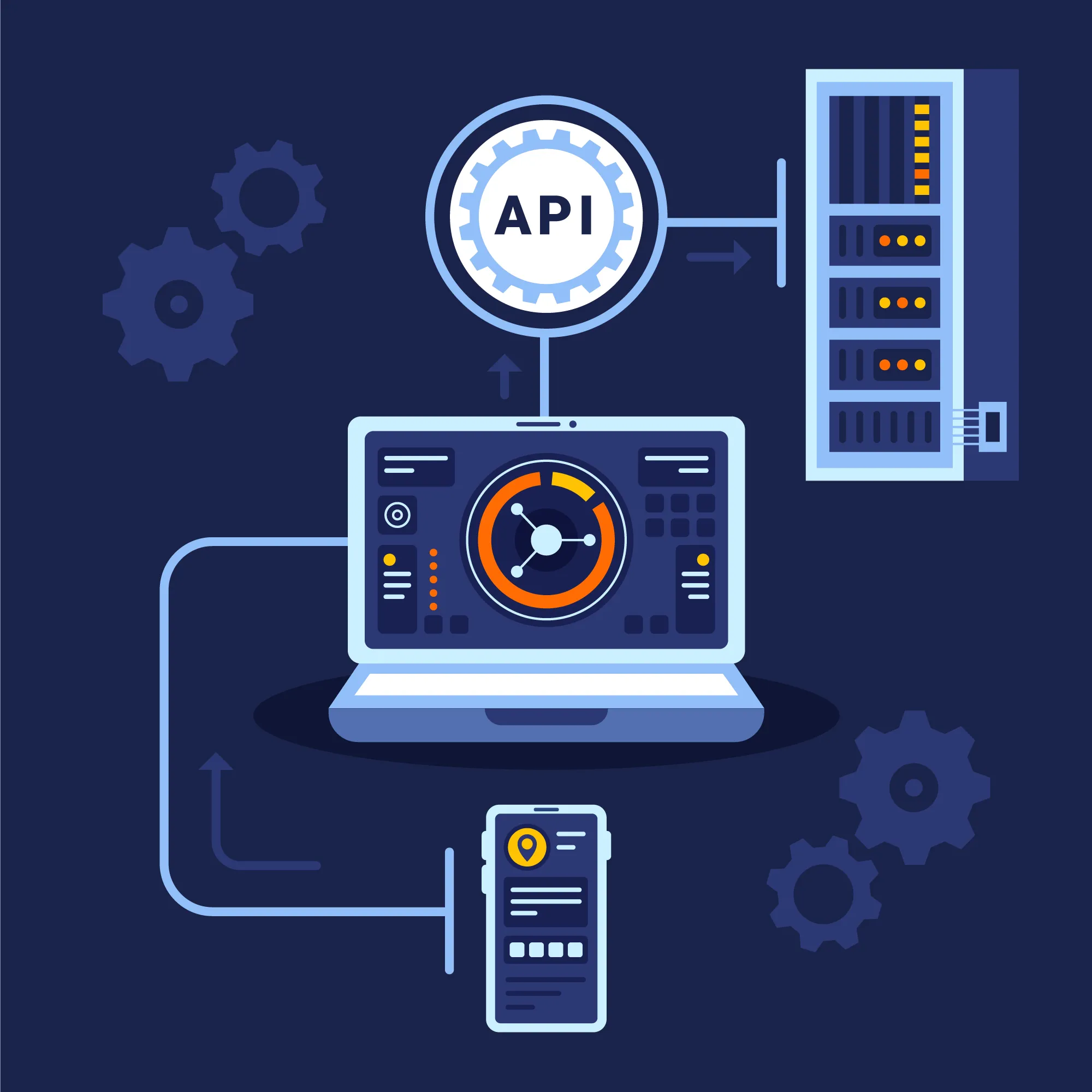
Modern applications rely heavily on APIs for authentication, payments, messaging, data exchange, and third-party service integrations. But testing these APIs in real environments is often slow, costly, inconsistent, or simply impossible.
That’s where mocking APIs for testing becomes a game-changing technique.
Mock APIs simulate real API behavior, allowing you to test functionality long before the real server is ready. Whether you’re testing failures, delays, unusual responses, or unpredictable external systems—mocking APIs gives you full control.
This comprehensive guide explains what API mocking is, why it’s crucial, tools you can use, real-world examples, how to mock APIs step-by-step, and best practices—ideal for beginners, QA engineers, automation testers, and developers.
API mocking is the process of creating a simulated version of a real API to use during testing, development, or automation. The mock API behaves like the real API but returns controlled, predefined responses.
Mock APIs allow you to test your application without depending on the real API.
Mock APIs can simulate:
- Success responses
- Errors
- Delays
- Large payloads
- Edge cases
- Invalid responses
- Unusual scenarios
API Mocking
Simulates entire API behavior.
Stubbing
Basic hard-coded responses, mostly for unit tests.
Service Virtualization
Enterprise-level simulation of unavailable/complex systems.
Example 2: Login API Mock
Success:
POST /login
{ "status": "SUCCESS", "token": "123456abcdef" }
Failure:
POST /login
{ "status": "FAILED", "message": "Invalid username or password" }
Example 4: Error Simulation
500 Internal Server Error
408 Request Timeout
429 Too Many Requests
Step 1 — Identify APIs to Mock
Third-party, unstable, expensive, or incomplete APIs.
Step 2 — Choose a Mocking Tool
Postman, Mockoon, WireMock, JSON Server, etc.
Step 3 — Create Mock Endpoints
Define request → response behavior.
Step 4 — Configure Response Types
Include status codes, payloads, headers, and delays.
Step 5 — Use Mocks in Automation Tests
given().baseUri("http://localhost:3000")
.when().get("/users")
.then().statusCode(200);
Step 6 — Integrate with CI/CD
Mocks provide stable automation pipelines.
Step 7 — Validate Results
Ensure UI and backend behave correctly with mock responses.
Mock API Testing in Postman (Example)
- Create a collection
- Add example response
- Enable mock server
- Call mock URL in tests
Best Practices for Mocking APIs Testing
✔ Use realistic responses
✔ Simulate success + failure + delays
✔ Add latency for realism
✔ Keep mocks version-controlled
✔ Don't over-mock—keep some real integration tests
✔ Use dynamic mocks for complex flows
Conclusion
Mocking APIs is an essential practice for modern development and testing. It improves test reliability, eliminates external dependencies, speeds up CI/CD pipelines, and makes development more efficient.
By learning how to create mock servers, simulate edge cases, and integrate them into automation workflows, you significantly improve software quality and delivery speed.
Mocking isn’t just optional—it’s a best practice in modern testing.
FAQs
1. What is API mocking?
Creating simulated responses that behave like real APIs.
2. Why mock APIs?
To improve testing speed, reliability, and independence.
3. Which tools are best?
Postman, WireMock, Mockoon, JSON Server, Beeceptor.
4. Is mocking the same as stubbing?
No. Stubbing is simpler and mainly for unit tests.
5. Can I automate tests using mock APIs?
Absolutely. Mocking stabilizes UI and backend automation.



