
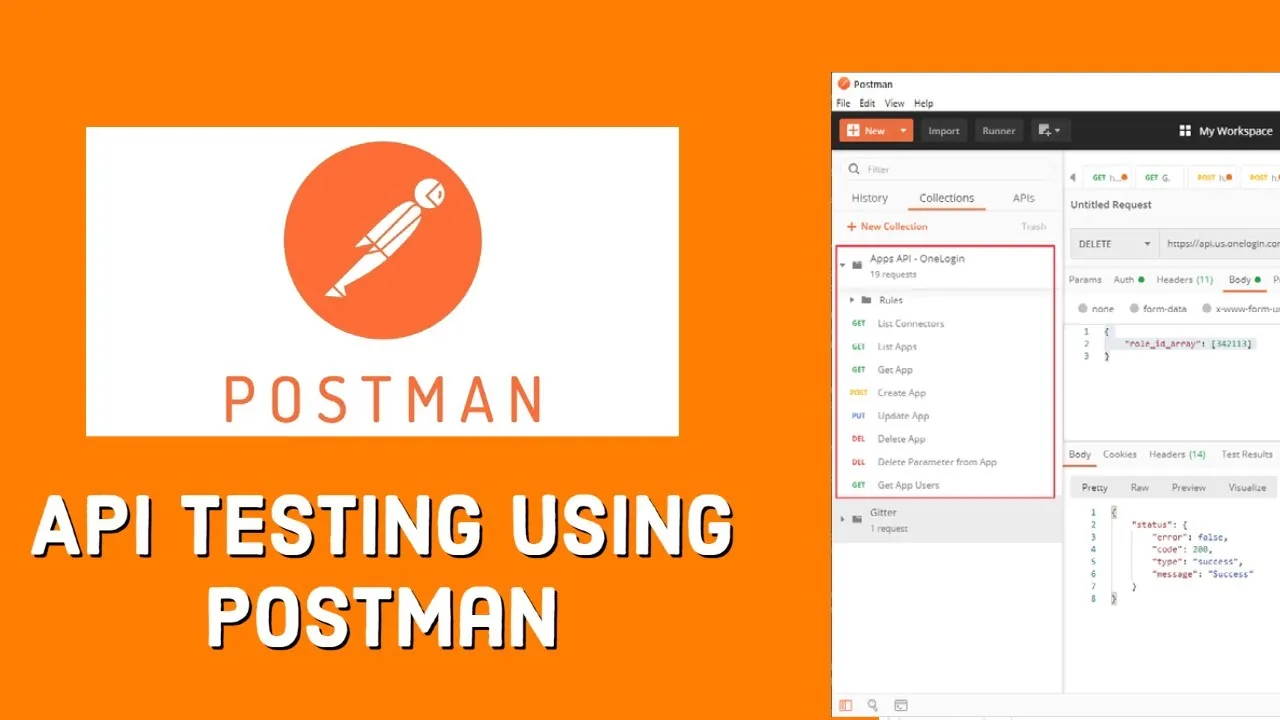
Introduction
In modern software development, applications rarely function alone. Instead, they communicate with other systems using Application Programming Interfaces (APIs). Whether you are booking a ride, making an online payment, or logging into a mobile app, APIs are working behind the scenes to exchange data between systems.
Because APIs are critical to application functionality, testing them is extremely important. If an API fails, entire features of an application can break. This is why API testing has become a vital part of modern development, DevOps workflows, and quality assurance processes.
Among the many tools available for API testing, Postman stands out as one of the most popular and beginner-friendly solutions.
Postman simplifies the process of sending API requests, validating responses, and automating API tests. It allows developers, testers, and DevOps engineers to test APIs quickly without writing complex scripts.
In this comprehensive guide on Postman API testing, you will learn:
- What Postman is and why it is widely used
- How Postman works for API testing
- Step-by-step instructions for using Postman
- Key features of Postman for testers and developers
- Best practices for API testing with Postman
- Real-world examples of Postman API testing
By the end of this guide, you will understand how to use Postman effectively for testing APIs and improving application reliability.
What is Postman?
Postman is a widely used API testing platform that allows developers and testers to send API requests and analyze responses.
It provides a graphical interface that makes API testing easier compared to writing manual HTTP requests.
With Postman, users can:
- create API requests
- inspect responses
- automate test cases
- organize APIs into collections
- collaborate with teams
Postman supports multiple request types including:
- GET
- POST
- PUT
- DELETE
These requests allow testers to interact with APIs and verify functionality.
Understanding API Requests and Responses
API testing involves sending requests and analyzing responses.
API Requests
An API request contains information sent to the server.
This may include:
- request method
- endpoint URL
- headers
- parameters
- request body
Example API request:
GET https://api.example.com/users
This request retrieves a list of users from the API.
API Responses
The API returns a response containing data and status information.
Example response:
{
 "id": 1,
 "name": "John Doe",
 "email": "john@example.com"
}
API testing verifies that the response matches expected results.
Real-World Example of Postman API Testing
Imagine an e-commerce application that provides an API to retrieve product information.
Example request:
GET https://api.store.com/products/10
Expected response:
{
 "id": 10,
 "name": "Wireless Headphones",
 "price": 99
}
Using Postman, testers can verify:
- product information is returned correctly
- response time meets performance requirements
- invalid requests return appropriate error messages
Postman vs Other API Testing Tools
Below is a comparison of Postman with other tools.
| Feature | Postman | SoapUI |
|---|---|---|
| Ease of Use | Very easy | Moderate |
| Automation | Supported | Supported |
| Collaboration | Strong | Limited |
| Learning Curve | Beginner-friendly | Moderate |
Postman is often preferred for beginners due to its simplicity.
Common Challenges in API Testing
While API testing is powerful, it also has challenges.
Authentication Issues
APIs often require tokens or API keys.
Complex Data Structures
APIs may return nested JSON data structures.
Environment Differences
Development and production environments may behave differently.
Proper testing strategies help overcome these challenges.
Conclusion
As modern applications rely heavily on APIs, ensuring API reliability and performance has become essential for software development teams.
Postman has emerged as one of the most powerful and user-friendly tools for API testing. Its intuitive interface, automation capabilities, and collaboration features make it a preferred choice for developers, QA engineers, and DevOps professionals.
By learning how to use Postman effectively, testers can validate API functionality, detect bugs early, and improve application quality.
As API-driven architectures continue to grow, mastering Postman API testing will remain an important skill for anyone involved in software development or testing.


