
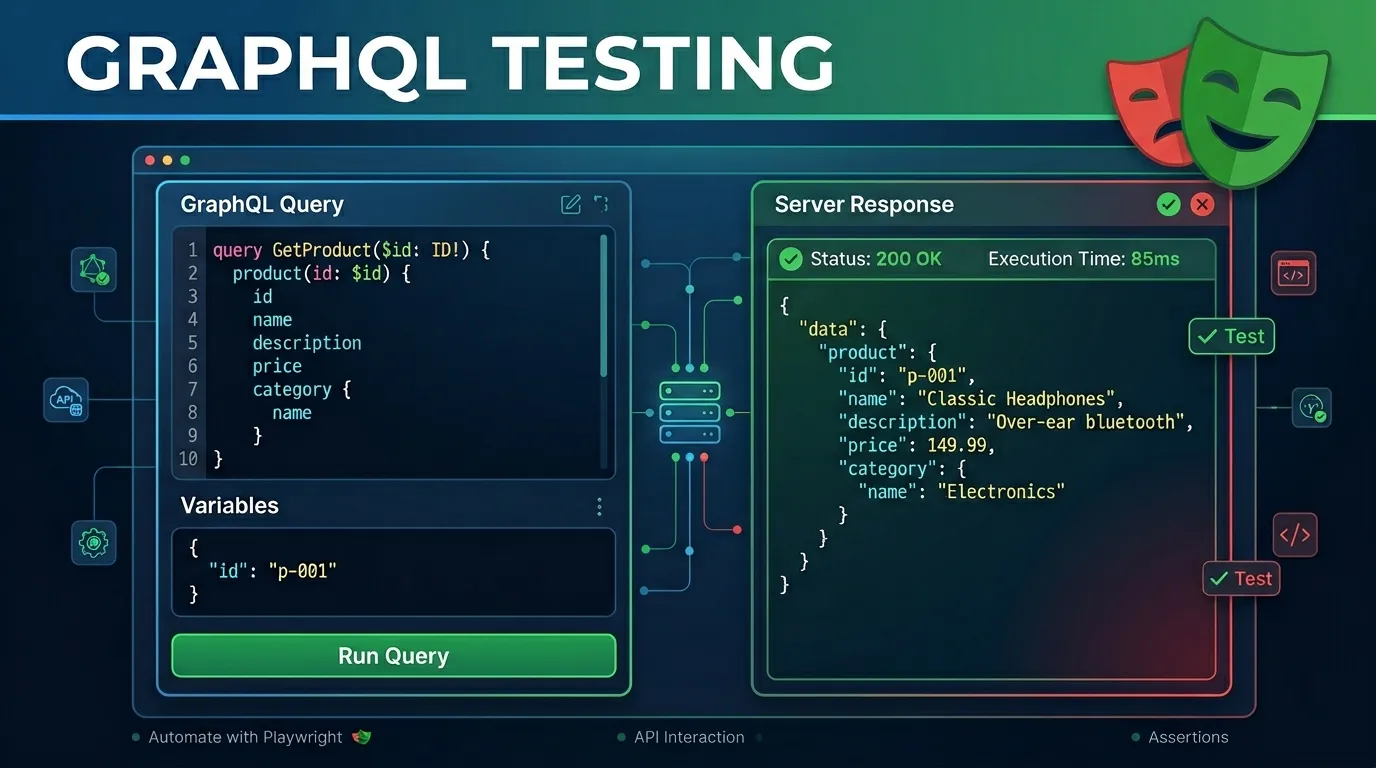
Introduction
In the evolving landscape of web development, GraphQL has become a standard for building flexible and efficient APIs. Unlike traditional REST APIs, GraphQL allows clients to request exactly the data they need, making it a powerful tool for modern frontend architectures. However, with great flexibility comes the need for robust testing strategies.
Playwright, primarily known for its end-to-end (E2E) browser automation capabilities, also provides a powerful APIRequestContext that is perfectly suited for testing GraphQL endpoints. In this comprehensive guide, we will explore how to leverage Playwright to build a complete GraphQL testing suite, ensuring your data layer is reliable, fast, and secure.
Why Use Playwright for GraphQL Testing?
While there are many tools available for API testing (like Postman, Insomnia, or Apollo Client's own testing utilities), Playwright offers several unique advantages:
- Unified Tooling: If you are already using Playwright for browser testing, you can use the same framework, language, and runner for your API tests.
- Superior Speed: API tests in Playwright run much faster than browser tests because they don't require spawning a browser instance.
- Implicit Request Contexts: Playwright manages request contexts efficiently, making it easy to handle cookies, headers, and authentication tokens across different test scenarios.
- DevOps Integration: Playwright's native support for CI/CD pipelines ensures your GraphQL tests are integrated into your deployment workflow from day one.
Setting Up Your GraphQL Testing Environment
Before we dive into writing tests, we need to ensure our Playwright environment is configured correctly.
1. Initialization
First, ensure you have Playwright installed in your project:
npm init playwright@latest
2. Configuration
Update your playwright.config.ts (or .js) to define the base URL for your GraphQL endpoint. This simplifies your test code.
import { defineConfig } from '@playwright/test';

export default defineConfig({
  use: {
    baseURL: 'https://api.example.com/graphql',
    extraHTTPHeaders: {
      'Content-Type': 'application/json',
      'Accept': 'application/json',
    },
  },
});
Writing Your First GraphQL Query Test
A GraphQL query is a request to fetch data. In Playwright, we use the request.post method because almost all GraphQL operations are sent via POST requests to a single endpoint.
The Problem: Fetching User Data
Imagine we have a query to fetch user details by ID:
query GetUser($id: ID!) {
  user(id: $id) {
    id
    username
    email
  }
}
The Playwright Implementation
Here is how you would write this test in Playwright:
import { test, expect } from '@playwright/test';

test('Should fetch user details via GraphQL', async ({ request }) => {
  const query = `
    query GetUser($id: ID!) {
      user(id: $id) {
        id
        username
        email
      }
    }
  `;

  const response = await request.post('', {
    data: {
      query: query,
      variables: { id: "user_123" }
    }
  });

  expect(response.ok()).toBeTruthy();
  const body = await response.json();

  expect(body.data.user).toBeDefined();
  expect(body.data.user.id).toBe("user_123");
  expect(body.data.user.username).toBe("johndoe");
});
Testing GraphQL Mutations
Mutations are used to create, update, or delete data. Testing mutations is critical for ensuring data integrity.
Scenario: Creating a New Post
Consider a mutation like this:
mutation CreatePost($input: PostInput!) {
  createPost(input: $input) {
    id
    title
    content
  }
}
The Test Case
test('Should create a new blog post', async ({ request }) => {
  const mutation = `
    mutation CreatePost($input: PostInput!) {
      createPost(input: $input) {
        id
        title
      }
    }
  `;

  const response = await request.post('', {
    data: {
      query: mutation,
      variables: {
        input: {
          title: "Testing GraphQL with Playwright",
          content: "Comprehensive guide to API automation..."
        }
      }
    }
  });

  const body = await response.json();
  expect(response.status()).toBe(200);
  expect(body.data.createPost.title).toBe("Testing GraphQL with Playwright");
  expect(body.data.createPost.id).not.toBeNull();
});
Handling Authentication in GraphQL Tests
Most production APIs require authentication. Playwright makes it easy to handle Bearer tokens or Cookies.
Using Bearer Tokens
You can pass the authorization header directly in the request.post call or set it globally in the config.
test('Authorized user can fetch private profile', async ({ request }) => {
  const authResponse = await request.post('', {
    headers: {
      'Authorization': `Bearer ${process.env.TEST_TOKEN}`
    },
    data: {
      query: '{ me { id email } }'
    }
  });

  expect(authResponse.ok()).toBeTruthy();
});
Advanced Strategies: Schema Validation and Error Handling
1. Schema Validation
While GraphQL is self-documenting, it's good practice to validate that the response structure matches your expectations. You can use libraries like ajv or zod alongside Playwright for strict schema validation.
2. Testing Error States
GraphQL returns errors in a specific errors array within the JSON body, often still returning a 200 OK HTTP status. You must verify both the status and the body contents.
test('Should return error for missing required fields', async ({ request }) => {
  const response = await request.post('', {
    data: { query: 'mutation { createPost(input: {}) { id } }' }
  });

  const body = await response.json();
  expect(body.errors).toBeDefined();
  expect(body.errors[0].message).toContain("required field");
});
Best Practices for GraphQL Automation
- Keep Queries External: For large test suites, store your
.graphqlqueries in separate files and import them using a file reader. - Use Fragments: If your API uses fragments, ensure your strings include them properly to avoid repetition.
- Environment Isolation: Always run tests against a staging or dedicated test environment with seeded data.
- Avoid Hardcoding IDs: Use dynamic data generators like
faker.jsfor mutations to avoid unique constraint violations.
Conclusion
GraphQL testing doesn't have to be complicated. By leveraging Playwright's APIRequestContext, you can build a high-performance, maintainable automation suite that covers every aspect of your API — from simple data fetching to complex state-changing mutations.
As we move through 2026, the integration of API and UI testing into a single tool like Playwright is no longer just a "nice-to-have" — it's a requirement for high-velocity engineering teams.
Frequently Asked Questions
While Playwright's request utility is designed for HTTP, you can use Playwright's browser context to test subscriptions via WebSockets or SSE by monitoring network events.


