
Introduction
As your automated test suite grows from 10 to 1,000 tests, execution time becomes your biggest enemy. If every single test in your CI pipeline spends 5-10 seconds logging in, you'll find yourself waiting hours for feedback. This is precisely why Global Setup and Teardown is a game-changer for modern Playwright automation.
Global setup allows you to perform heavy-lifting tasks once—before any tests run—and share that state across the entire suite. Whether it's authenticating a user, seeding a database, or checking environmental health, mastering this feature is key to building a high-velocity testing culture.
The Concept of Global State
In a traditional automation setup, each test exists in a silos. Global Setup breaks these silos by performing actions at the orchestration level.
Common Global Setup Tasks:
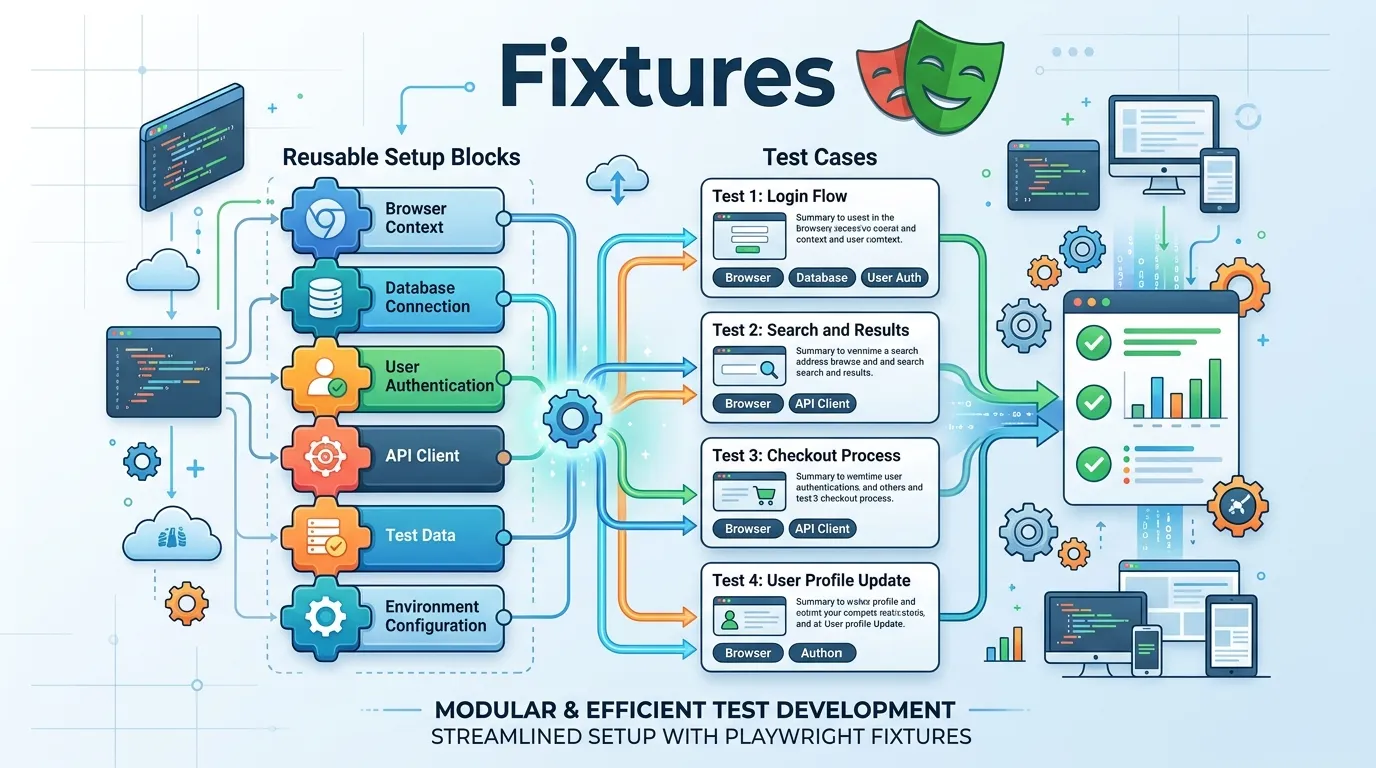
- Authentication: Log in once, save the authentication state (storage state), and reuse it for all tests.
- Environment Configuration: Set environment variables or fetch API tokens.
- Database Seeding: Reset or seed a test database before the run starts.
How to Configure Global Setup in 2026
Playwright provides two ways to implement global setup: via the configuration file or as a separate script.
1. Using globalSetup in the Config
This is the modern approach for handling complex dependencies.
The Setup Script (global-setup.ts):
import { chromium, FullConfig } from '@playwright/test';

async function globalSetup(config: FullConfig) {
  const browser = await chromium.launch();
  const page = await browser.newPage();

  // Example: Perform Login once
  await page.goto('https://myapp.com/login');
  await page.fill('#username', 'shared_user');
  await page.fill('#password', 'password123');
  await page.click('#submit');

  // Save storage state to a file
  await page.context().storageState({ path: 'auth.json' });
  await browser.close();
}

export default globalSetup;
The Config (playwright.config.ts):
import { defineConfig } from '@playwright/test';

export default defineConfig({
  globalSetup: require.resolve('./global-setup'),
  use: {
    storageState: 'auth.json', // All tests will start logged in!
  },
});
Implementing Global Teardown
Just as you might need to set things up, you often need to clean them up after the entire suite is finished.
The Teardown Script (global-teardown.ts):
async function globalTeardown() {
  console.log('Cleaning up global test artifacts...');
  // Logic to clear database or close background processes
}

export default globalTeardown;
Add it to your config:
export default defineConfig({
  globalTeardown: require.resolve('./global-teardown'),
});
The Pitfall: Parallelism and Global State
While global setup is powerful, it comes with a major caveat: Test Parallelism.
If your global setup clears a database that all tests use simultaneously, those tests might interfere with each other. This is known as a "Race Condition."
Expert Tips for Global State:
- Read-Only Data: Global setup is perfect for data that tests only read (like a catalog of products).
- Unique IDs: If tests must write data, ensure they use unique identifies (like
test_user_${process.pid}) to avoid collisions. - Worker-Level Isolation: Consider if a task should be global (once per suite) or worker-level (once per process).
Sharing State via Environment Variables
Sometimes you don't need a full browser session, just a token. You can fetch this in your global setup and set an environment variable.
async function globalSetup() {
  const token = await fetchApiToken();
  process.env.API_TOKEN = token;
}
Now, any test can access process.env.API_TOKEN.
Conclusion
Global Setup and Teardown is about efficiency and scalability. By moving repetitive tasks outside the main test execution flow, you can drastically reduce your pipeline time and provide faster feedback to your development team. In the fast-paced world of 2026, every second saved in the CI pipeline is a second earned in product development.
Frequently Asked Questions
No, it's an optimization for large projects. For small suites, it might add unnecessary complexity.


