
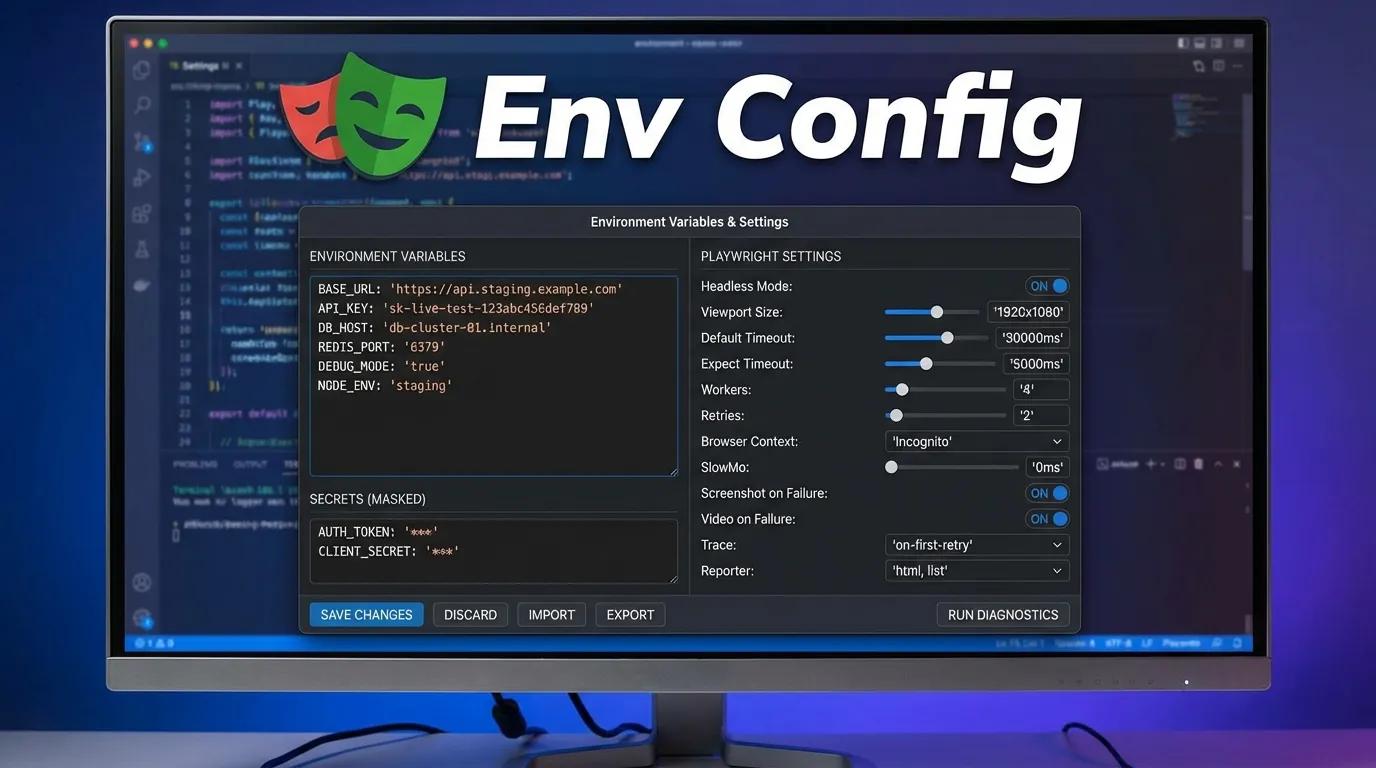
Introduction
You write your Playwright tests.
They run perfectly on your machine.
But then something unexpected happens:
- Tests fail in staging
- Tests behave differently in production
- API endpoints change
- Credentials break
Suddenly, your automation becomes unreliable.
This is exactly why playwright environment setup is critical.
Environment configuration allows you to:
- Run tests across multiple environments
- Switch between dev, staging, and production easily
- Manage credentials securely
- Keep your test code clean and reusable
In modern automation, environment configuration is not optional. It is essential.
In this guide, you will learn:
- What environment configuration is in Playwright
- Why it matters
- Step-by-step setup methods
- Real examples and best practices
- Common mistakes to avoid
By the end, you will be able to build a scalable and flexible Playwright testing environment.
Simple Explanation
Instead of hardcoding values like:
- URLs
- API keys
- Credentials
You store them in configurable environments and switch easily.
1 Development Environment
- Used by developers
- Frequent changes
- Unstable
3 Production Environment
- Live users
- Real data
- Critical testing
2 Security
Keep sensitive data like passwords safe.
4 CI/CD Integration
Easily configure environments in pipelines.
Step 1 Set Environment Variables
Mac or Linux
export BASE_URL=https://dev.example.com
Windows
set BASE_URL=https://dev.example.com
Benefits
- Secure
- Easy to manage
- Works well with CI/CD
Step 2 Create .env File
BASE_URL=https://dev.example.com
USERNAME=testuser
PASSWORD=123456
Step 4 Use Variables
const baseURL = process.env.BASE_URL;
Example Configuration
import { defineConfig } from '@playwright/test';

export default defineConfig({
  use: {
    baseURL: process.env.BASE_URL,
  },
});
You can create separate configs:
- playwright.dev.config.js
- playwright.staging.config.js
- playwright.prod.config.js
Run Specific Environment
npx playwright test --config=playwright.staging.config.js
Real-World Example
Login Test Across Environments
import { test, expect } from '@playwright/test';

test('Login Test', async ({ page }) => {
  await page.goto(process.env.BASE_URL);
  await page.fill('#username', process.env.USERNAME);
  await page.fill('#password', process.env.PASSWORD);
  await page.click('#login');
  await expect(page).toHaveURL('/dashboard');
});
Best Practices for Playwright Environment Setup
Do Not Hardcode Data
Avoid writing:
- URLs
- Credentials
Separate Config from Code
Keep logic and configuration separate.
Validate Environment Variables
Ensure variables exist before tests run.
Mixing Environments
Wrong environment usage causes failures.
Ignoring CI/CD Configuration
Breaks pipeline execution.
Benefits
- Automated testing
- Consistent environments
- Faster deployments
Using Secrets Managers
- AWS Secrets Manager
- Azure Key Vault
Environment Configuration vs Hardcoding
| Feature | Environment Config | Hardcoding |
|---|---|---|
| Flexibility | High | Low |
| Security | High | Low |
| Maintainability | Easy | Difficult |
| Scalability | High | Low |
Future of Environment Configuration
Environment setup is evolving with:
- Cloud-based configurations
- Secret management tools
- Dynamic environments
- AI-driven automation
Playwright is fully compatible with these trends.
Conclusion
Environment configuration is the backbone of scalable automation.
Without it:
- Tests break
- Code becomes messy
- Maintenance becomes difficult
With proper Playwright environment setup, you can:
- Write clean tests
- Run across environments
- Improve reliability
Start implementing environment configuration today to build a strong and scalable automation framework.
Why use environment variables
They improve security and flexibility.
How to switch environments in Playwright
You can use environment variables or separate config files.


