
Introduction
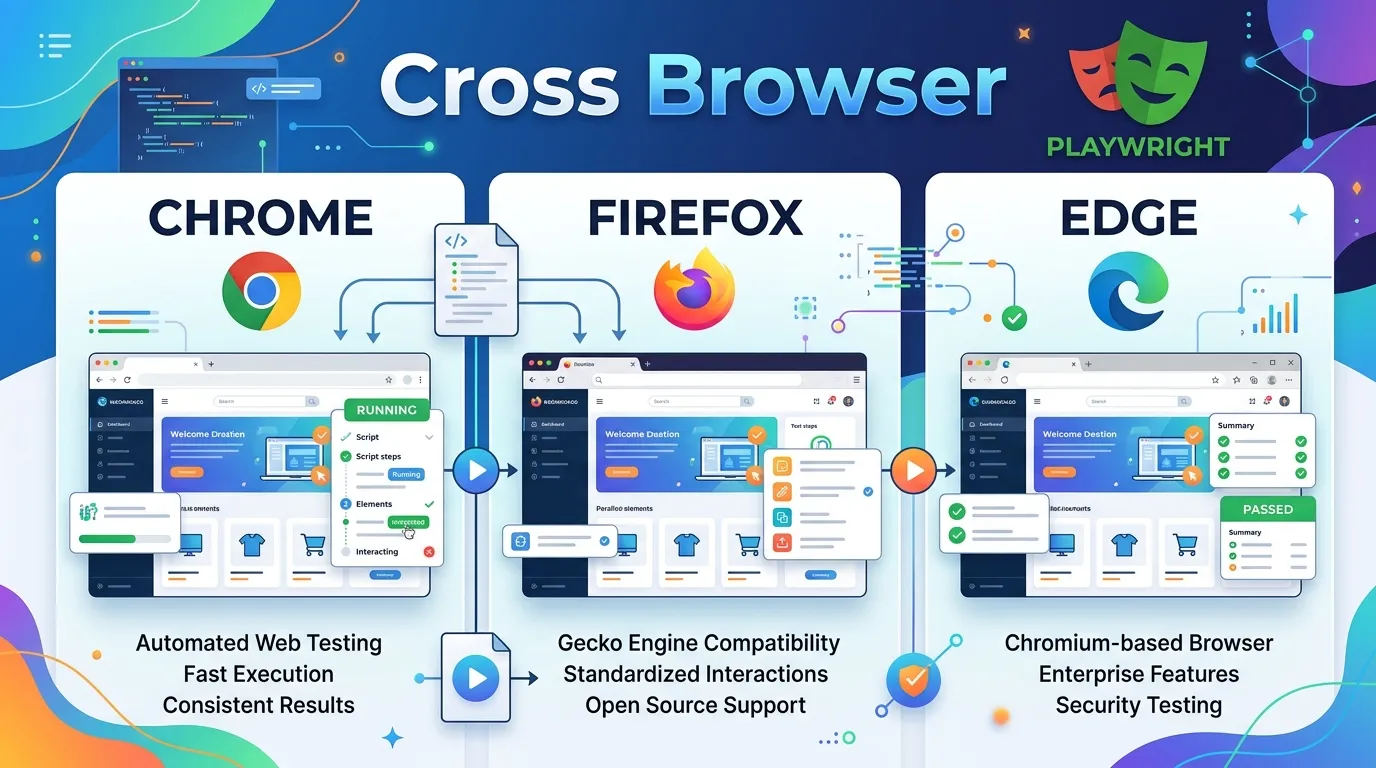
In the diverse ecosystem of the modern web, users access your application through a multitude of browsers—Chrome on Windows, Safari on iPhone, Firefox on Linux. If your automation suite only tests in one browser, you're only seeing a fraction of the reality. Cross-browser testing is no longer optional; it is fundamental to delivering a high-quality user experience.
Playwright was built from the ground up to solve the cross-browser problem. Unlike legacy tools that required separate drivers for every browser, Playwright provides a unified API that works natively across all major engines. In this guide, we'll explore how to implement a native cross-browser strategy in 2026.
The Big Three: Chromium, Firefox, and WebKit
Playwright supports three primary browser engines:
- Chromium: The engine behind Google Chrome, Microsoft Edge, and Opera. This is the most popular engine globally.
- Firefox: Powered by Mozilla's Gecko engine. It remains a critical browser for privacy-focused users and web standards compliance.
- WebKit: The engine behind Apple's Safari. This is the most important engine for mobile testing, as all browsers on iOS (even Chrome and Firefox) are forced to use WebKit.
Implementing Cross-Browser Strategy in Playwright
Playwright makes cross-browser testing incredibly straightforward using the projects feature in your configuration.
1. Configuration-Based Testing
Instead of writing separate test files for each browser, you define them in playwright.config.ts.
import { defineConfig, devices } from '@playwright/test';

export default defineConfig({
  projects: [
    {
      name: 'chromium',
      use: { ...devices['Desktop Chrome'] },
    },
    {
      name: 'firefox',
      use: { ...devices['Desktop Firefox'] },
    },
    {
      name: 'webkit',
      use: { ...devices['Desktop Safari'] },
    },
  ],
});
2. Running Cross-Browser Tests
Once configured, you can run your entire suite across all browsers with a single command:
npx playwright test
To run only on a specific browser:
npx playwright test --project=webkit
Why Cross-Browser Testing is Hard (and How Playwright Fixes It)
Historically, cross-browser testing has been plagued by small discrepancies in how browsers handle JavaScript, CSS rendering, and timing.
1. The Rendering Gap
An element might be clickable in Chromium but obscured by a CSS padding issue in WebKit. Because Playwright uses the actual rendering engines, it catches these visual discrepancies that "fake" mobile emulators often miss.
2. The Interaction Gap
How a browser handles a hover or drag-and-drop event can vary. Playwright's low-level interaction API ensures that events are dispatched in a way that is native to each browser engine.
Best Practices for Cross-Browser Automation
- Mobile Emulation is Key: Don't just test desktop browsers. Use Playwright's device profiles to test "Mobile Safari" and "Mobile Chrome" to ensure your responsive design is working.
- Prioritize Your Browsers: In your CI pipeline, you might run all tests in Chromium but only a subset (smoke tests) in WebKit and Firefox to save time and resources.
- Handle Font Variations: Different browsers render fonts slightly differently. In visual regression tests, use a higher
thresholdor mask text-heavy areas to avoid false failures.
Conclusion
Playwright has transformed cross-browser testing from a chore into a seamless part of the development workflow. By removing the need for third-party driver management and providing a single, consistent API, it allows you to focus on what matters: the quality of your application. In the multi-platform world of 2026, cross-browser confidence is the ultimate competitive advantage.
Frequently Asked Questions
Yes, Edge is built on Chromium, so it is fully supported via the Chromium project.



