
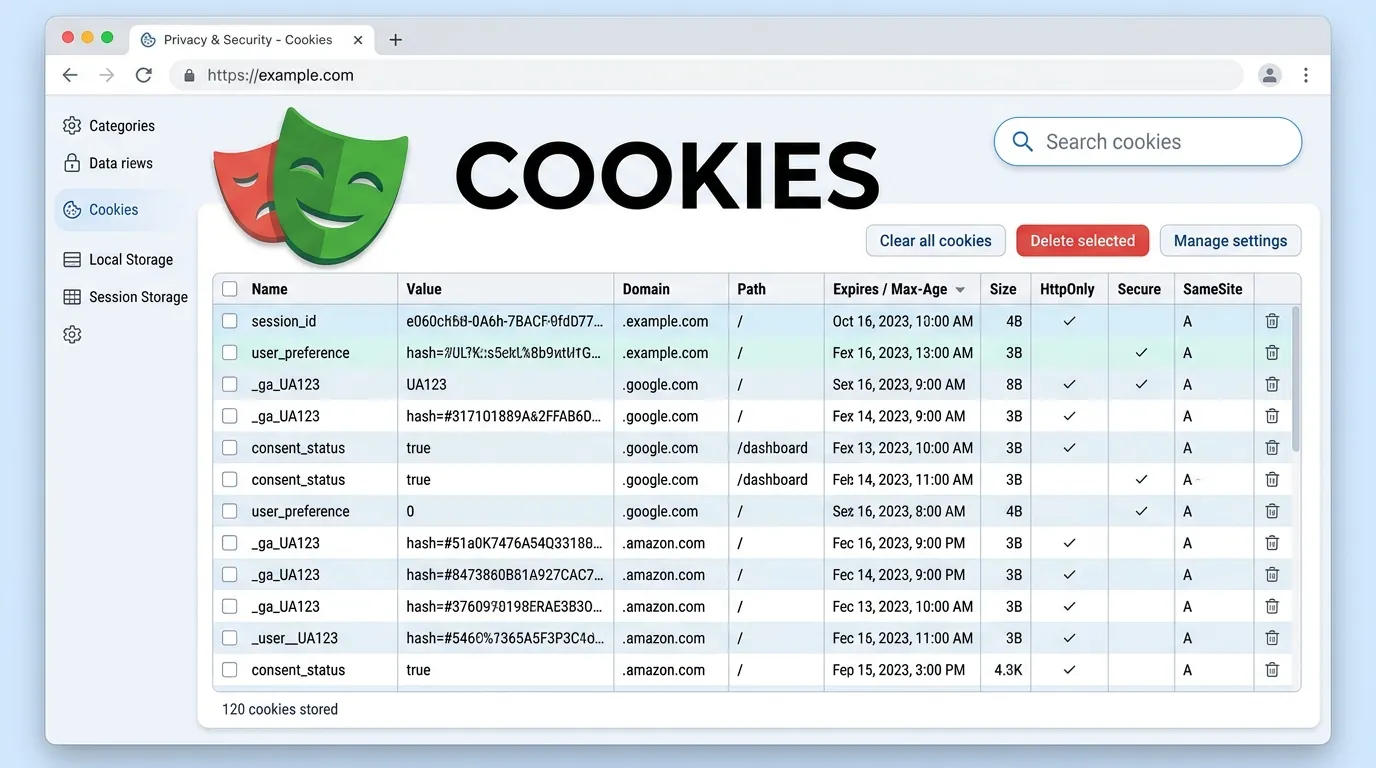
Introduction
Have you ever noticed how websites “remember” you?
- You stay logged in
- Your preferences are saved
- Your cart items remain intact
All of this happens because of cookies.
Now imagine testing these behaviors manually. Every time you:
- Log in again
- Reset preferences
- Recreate sessions
It becomes:
- Time-consuming
- Repetitive
- Inefficient
This is where playwright cookies handling becomes essential.
Cookies are at the core of:
- Authentication
- Session management
- Personalization
With Playwright, you can:
- Create cookies
- Read cookies
- Modify cookies
- Delete cookies
- Reuse sessions
In this guide, you will learn:
- What cookies are
- How playwright cookies handling works
- Step-by-step implementation
- Real-world use cases
- Best practices and mistakes to avoid
By the end, you will be able to handle cookies like a pro in Playwright.
Simple Explanation
When you log into a website, it stores a cookie so you don’t need to log in again.
1 Session Management
Keeps users logged in.
3 Personalization Testing
Validates user-specific content.
Playwright provides APIs to manage cookies via the browser context.
Example
const cookies = await context.cookies();
console.log(cookies);
Example
await context.addCookies([
  {
    name: 'session',
    value: '123456',
    domain: 'example.com',
    path: '/'
  }
]);
Delete Cookies in Playwright
Example
await context.clearCookies();
Step by Step Cookie Handling Process
Step 1 Launch Browser
const context = await browser.newContext();
Step 3 Open Page
await page.goto('website');
Playwright Login Test Using Cookies
Instead of logging in every time, use cookies.
Benefits
- Faster tests
- No repeated login
- Better performance
Save State
await context.storageState({ path: 'state.json' });
Why Important
- Reuse sessions
- Improve speed
- Reduce test complexity
What You Validate
- User logged in
- Cart items preserved
- Personalized content visible
Best Practices for Playwright Cookies Handling
Use Secure Cookies
Avoid exposing sensitive data.
Validate After Setting Cookies
Ensure session is active.
Use Environment Variables
Avoid hardcoding tokens.
Not Clearing Cookies
Leads to test conflicts.
Not Validating Session
Always verify login state.
Multiple Cookies Handling
await context.addCookies([
  { name: 'a', value: '1' },
  { name: 'b', value: '2' }
]);
Combining Cookies with Other Actions
With Scroll
await page.evaluate(() => window.scrollBy(0, 500));
With Form Automation
await page.fill('#input', 'value');
Future of Cookie Handling
Cookie handling is evolving with:
- Secure authentication tokens
- Privacy regulations
- Server-side sessions
- Token-based authentication
Playwright supports modern authentication workflows.
Conclusion
Cookies are the backbone of modern web applications.
Without proper testing:
- Sessions may fail
- Users may get logged out
- Features may break
With Playwright, you can:
- Control cookies
- Automate sessions
- Improve testing speed
Start using playwright cookies handling today to build faster and more reliable automation tests.
How to get cookies in Playwright
Use context.cookies().
Why use cookies instead of login
To save time and improve speed.



