
Introduction
Imagine visiting a website where you cannot navigate using your keyboard, images have no descriptions, buttons are unclear, and screen readers fail to interpret content. For millions of users with disabilities, this is not imagination—it is a daily experience.
Accessibility is no longer optional. It is a critical requirement for modern web applications. Ensuring that your application is usable by everyone, including people with visual, auditory, motor, or cognitive disabilities, is both a legal responsibility and a user experience necessity.
This is where playwright accessibility testing comes into play.
Playwright not only excels at functional and UI testing but also provides powerful tools to validate accessibility. By integrating accessibility checks into your automation workflow, you can identify issues early and ensure compliance with accessibility standards.
In this complete guide on Accessibility Testing with Playwright, you will learn:
- What accessibility testing is and why it matters
- How playwright accessibility testing works
- How to use accessibility trees and audits
- How to integrate automated accessibility tools
- Best practices for building inclusive applications
Whether you are a student, developer, or QA engineer, this guide will help you understand and implement accessibility testing using Playwright effectively.
Accessibility is essential for both ethical and practical reasons.
Inclusive User Experience
Accessibility ensures that all users can interact with your application.
Legal Compliance
Many countries require applications to meet accessibility standards.
Improved SEO
Accessible websites are easier for search engines to understand.
Better Usability
Accessibility improvements often enhance usability for all users.
The accessibility tree represents how assistive technologies interpret a webpage.
It includes:
- Roles (button, heading, link)
- Names (labels visible to screen readers)
- States (checked, disabled)
Playwright allows retrieving this tree.
Example:
const snapshot = await page.accessibility.snapshot()
console.log(snapshot)
This helps analyze how the UI is exposed to assistive technologies.
Playwright can integrate with accessibility tools like axe-core.
Example:
import AxeBuilder from '@axe-core/playwright'

const results = await new AxeBuilder({ page }).analyze()

expect(results.violations).toEqual([])
This automatically detects accessibility violations.
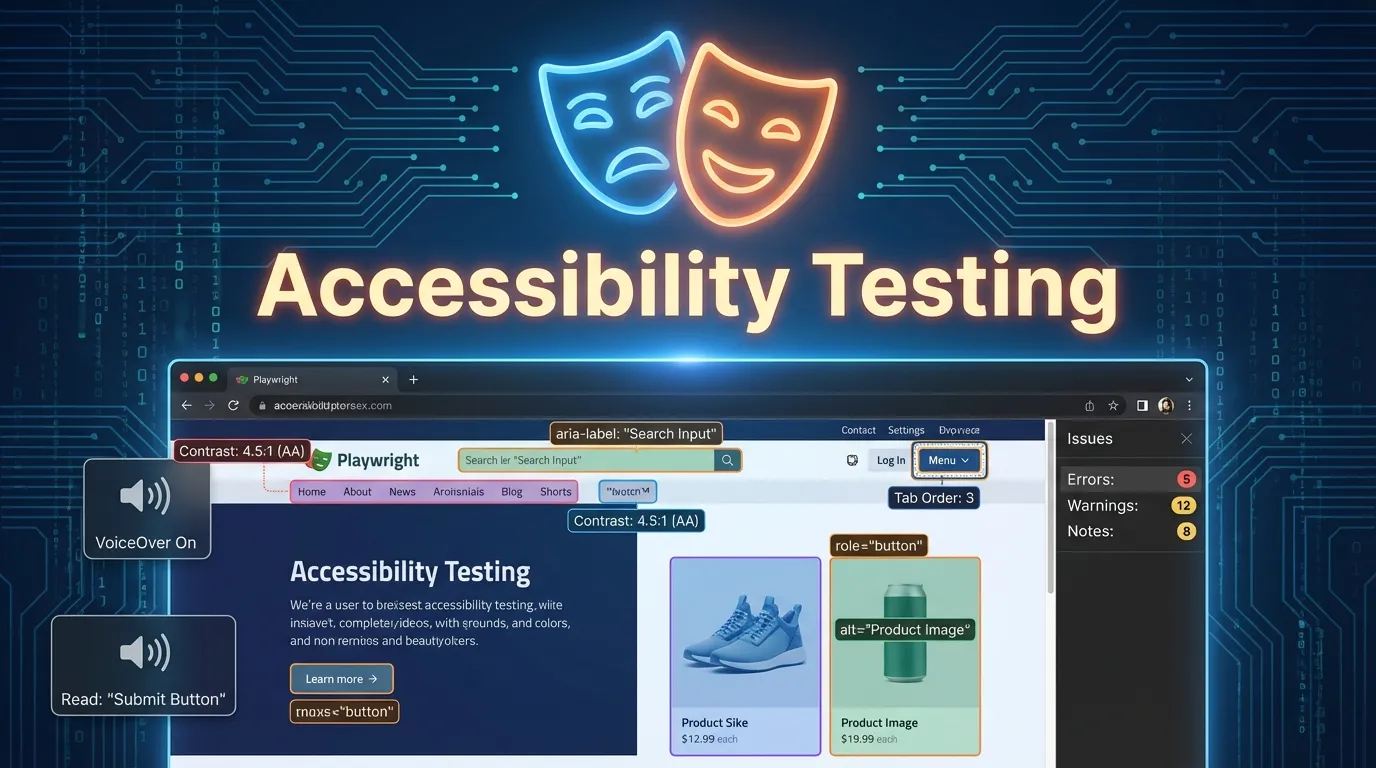
Accessibility testing helps detect issues such as:
- Missing alt text on images
- Poor color contrast
- Missing form labels
- Improper heading structure
- Keyboard navigation issues
Fixing these issues improves usability significantly.
Best Practices for Accessibility Testing
Following best practices ensures effective testing.
Use Semantic HTML
Proper HTML structure improves accessibility.
Add ARIA Attributes Carefully
Use ARIA only when necessary.
Test Keyboard Navigation
Ensure all elements are accessible via keyboard.
Use Automated and Manual Testing
Combine automation with real user testing.
Short Summary
Playwright accessibility testing helps ensure web applications are usable by everyone. By analyzing accessibility trees and integrating tools like axe, testers can identify and fix accessibility issues efficiently.
FAQs
What is Playwright accessibility testing
Playwright accessibility testing ensures web applications are usable by people with disabilities.
How does Playwright check accessibility
Playwright uses accessibility APIs and tools like axe to detect issues.
What is the accessibility tree
It represents how assistive technologies interpret a webpage.
Can Playwright detect accessibility issues automatically
Yes using tools like axe-core.
Why is accessibility testing important
It ensures inclusivity, compliance, and better user experience.


