Introduction
In 2026, the smartphone is the most intimate and sensitive device in our lives. It is our banking terminal, our private communication hub, our GPS tracker, and our digital ID. We carry it everywhere, use it for almost every personal and professional task, and often store more sensitive information on it than on our primary laptop or desktop computer.
However, this total reliance has made mobile devices the primary target for modern cybercriminals. In 2026, a "mobile breach" is not just about a virus; it's about the total compromise of your digital identity. From sophisticated state-sponsored spyware to simple phishing links sent via WhatsApp or iMessage, the threats are constant and evolving.
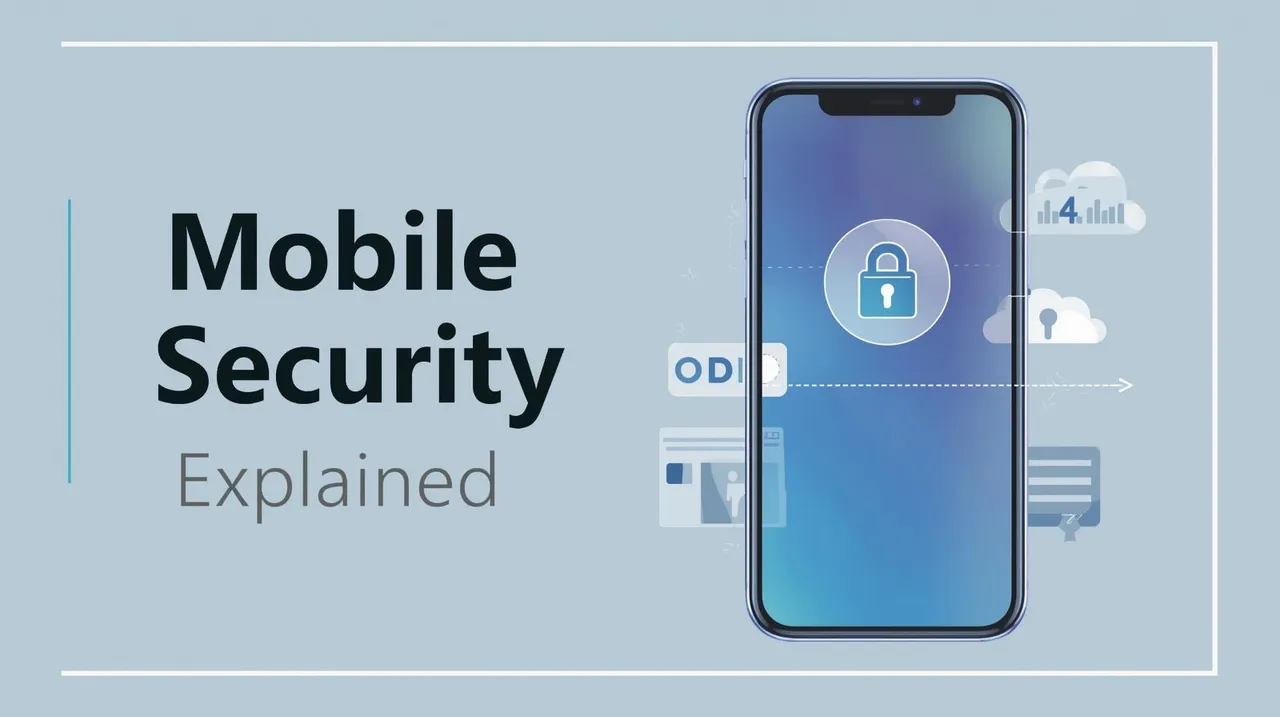
Understanding mobile security explained is the first step in building a robust defense. Whether you use an iPhone or an Android device, you are operating a complex, high-power computer that requires the same level of security discipline as any corporate server.
In this guide, we will break down the essential components of mobile security:
- The Anatomy of a Mobile Malware Attack
- iOS vs. Android Security: A Modern Comparison
- The Rise of "Smishing" and Mobile Social Engineering
- Application Permissions and Data Privacy
- Best Practices for Secure Smartphone Use in 2026
The Threat Landscape: Mobile Malware in 2026
Mobile malware has evolved far beyond the simple "adware" of the past. Modern mobile threats are designed for stealth and total control.
Pegasus and Zero-Click Exploits
By 2026, the most dangerous threats are "Zero-Click" exploits. These are sophisticated pieces of spyware (like the famous Pegasus) that can infect a phone without the user ever clicking a link or downloading a file. Simply receiving a specifically crafted message or a missed WhatsApp call can be enough to trigger the infection. Once inside, the spyware can record audio from the microphone, capture video from the camera, read encrypted messages, and track the device's location in real-time.
Mobile Banking Trojans (Overlay Attacks)
Banking Trojans are designed to steal your financial credentials. They work by detecting when you open a legitimate banking app and "overlaying" a fake login screen on top of it. The user enters their username and password into the fake screen, which is instantly sent to the attacker. To the user, the app simply appears to have "glitched," while the attacker now has full access to their bank account.
iOS vs. Android Security: The Great Debate
In 2026, both major mobile operating systems have made massive strides in security, but they approach the problem from different philosophies.
Apple iOS: The Walled Garden
Apple's security is based on a "Closed Ecosystem." Apple tightly controls the hardware, the operating system, and the App Store. Every app must be reviewed and approved by Apple before it is available to the public. While this significantly reduces the risk of malware, it is not "unhackable" — as evidenced by the high-profile exploits targeting iMessage in recent years.
Android: Flexibility and Open Source
Android is an open-source platform, which allows for greater customization but also creates a more fragmented security landscape. While Google's own Pixel devices and modern Samsung Galaxy phones are exceptionally secure (using chips like the Titan M2), millions of low-cost Android devices run outdated versions of the OS and never receive security patches. For Android users, security is a personal responsibility: you must only use trusted devices and only download apps from the official Google Play Store.
Layer 1: Mobile Social Engineering (Smishing)
Social engineering has moved from your email inbox to your text messages. This is known as Smishing (SMS Phishing).
The Urgency of the Text Message
We are conditioned to respond to text messages faster than emails. Attackers exploit this by sending messages pretending to be from "FedEx," "The IRS," or "Netflix," claiming there is a problem with your account that requires immediate action. These messages contain a link to a fake website designed to steal your credentials or download a malicious configuration profile onto your phone. In 2026, we are also seeing highly personalized smishing attacks where the attacker knows your name and your recent purchase history, making the scam almost impossible to detect.
Layer 2: Application Permissions and Data Leaks
Many "free" apps on your phone are not malware, but they are "Data Leaks." An app might request access to your contacts, your microphone, and your location even if it doesn't need them to function.
The Principle of Least Privilege for Apps
In 2026, you should treat app permissions as a security boundary. Does a "Flashlight" app really need access to your microphone? Does a "Calculater" app really need access to your photo library? By denying unnecessary permissions, you prevent these apps from vacuuming up your personal data and selling it to third-party brokers — or leaking it onto the dark web if the app developer's server is hacked.
Best Practices for Mobile Security in 2026
You don't need a PhD in cybersecurity to protect your phone. You need a set of consistent, disciplined habits.
1. Biometric and Strong Pascode
Never use a simple 4-digit PIN. Use a strong, 6 or 8-digit alphanumeric passcode and pair it with biometric login (FaceID or Fingerprint). This ensures that even if your phone is stolen, the data inside remains encrypted and inaccessible.
2. Automatic Updates are Mandatory
Both iOS and Android release security patches almost every month. These patches often fix critical "Zero-Day" vulnerabilities that are already being exploited by hackers. You must enable "Automatic Updates" to ensure your phone is always running the latest, most secure version of its operating system.
3. Use an Authenticator App, Not SMS
When setting up Two-Factor Authentication (2FA), never use your phone number (SMS). SMS codes are vulnerable to "SIM Swapping," where an attacker steals your phone number from your carrier. Use a dedicated app like Google Authenticator, Authy, or a hardware token like a YubiKey.
4. Only Use the Official App Stores
Never "Sideload" apps from third-party websites. These sites are the primary source of mobile malware. Stick to the Apple App Store or Google Play Store, where apps are scanned for malicious behavior before they reach your device.
Enterprise Mobility Management (EMM): Securing the Corporate Smartphone
In 2026, the line between "personal phone" and "work phone" has almost entirely disappeared due to the prevalence of Bring Your Own Device (BYOD) policies. This presents a massive challenge for corporate security teams.
Containerization and Data Segregation
To solve the BYOD problem, organizations use Enterprise Mobility Management (EMM) or Unified Endpoint Management (UEM) solutions. These tools create a "Secure Container" on the employee's personal phone. All corporate apps (email, Slack, internal databases) run inside this container, which is encrypted and managed by the company. The personal side of the phone remains private, but if the employee leaves the company or loses their phone, the IT department can "remotely wipe" only the corporate container without touching the user's personal photos or messages.
The Future of Mobile Security: AI-Edge Defense and Quantum-Safe Apps
As we look toward the end of the decade, two major technologies are redefining mobile security.
On-Device AI Security
Traditionally, mobile security apps sent data to the cloud for analysis, which was slow and battery-intensive. In 2026, modern smartphones use dedicated "AI Neural Engines" to perform real-time security analysis on the device itself. This "On-Device AI" can detect the behavioral signature of malware — such as an app suddenly attempting to encrypt files or exfiltrate the contact list — and block the action locally in milliseconds, even without an internet connection.
Quantum-Safe Mobile Communication
With the looming threat of quantum computing, high-security mobile communication apps (like Signal and WhatsApp) are beginning to implement "Post-Quantum Cryptography" (PQC). This ensures that even if an attacker intercepts and stores your encrypted messages today, they cannot be decrypted in the future using a quantum computer. 2026 is the year where "Quantum-Safe" reaches the palm of your hand.
Case Study: The 2025 "Ghost App" Campaign
In late 2025, a sophisticated cybercriminal group launched a "Ghost App" campaign targeting both iOS and Android users. They developed a series of high-quality "Travel Helper" and "Currency Converter" apps that functioned perfectly for 90 days, gaining thousands of 5-star reviews and bypassing initial App Store security scans.
However, on the 91st day, the apps downloaded a small, encrypted update that activated a "Remote Access Trojan" (RAT). The malware used a zero-day exploit in the mobile OS's accessibility services to "read" everything on the user's screen, including banking logins and 2FA codes. The campaign was only discovered when a security researcher noticed the unusual amount of encrypted data being sent to a suspicious command-and-control server in the middle of the night. This case serves as a warning that even "highly-rated" apps from official stores can be used as a Trojan Horse.
Conclusion
The smartphone is a miracle of modern engineering, but it is also a permanent security liability. This mobile security explained guide highlights that your phone is the "master key" to your entire digital life.
To protect your wealth, your privacy, and your reputation, you must treat your phone with the same security caution you would use for a physical vault. By keeping your software updated, using strong biometrics, and remaining skeptical of every unsolicited message you receive, you can enjoy the convenience of the mobile age without becoming a victim of its threats. In 2026, mobile security is not an option — it is a requirement for modern survival.
Frequently Asked Questions
Generally, no. This is known as Juice Jacking. A malicious USB port or a compromised cable can be used to transfer malware to your phone or steal data while it charges. To be safe, always use your own power adapter and plug it into a standard wall outlet, or use a "USB Data Blocker" (a small adapter that prevents data transfer while allowing power).